Fresha's Export Options, and Why They're the Exception
Fresha offers fully self-serve export of client and appointment data. Here's how it compares to the rest of the field.
TL;DR: Fresha's export is fully self-serve, covering the client list and appointment history, with date-range filters built in. Checked against Fresha's own help center as of September 15, 2026. The only thing withheld is stored card data, and that's a PCI compliance requirement, not lock-in.
Not every platform makes leaving hard. Fresha is the one in this series worth calling out for getting it right rather than just getting by on a technicality.
What's Available
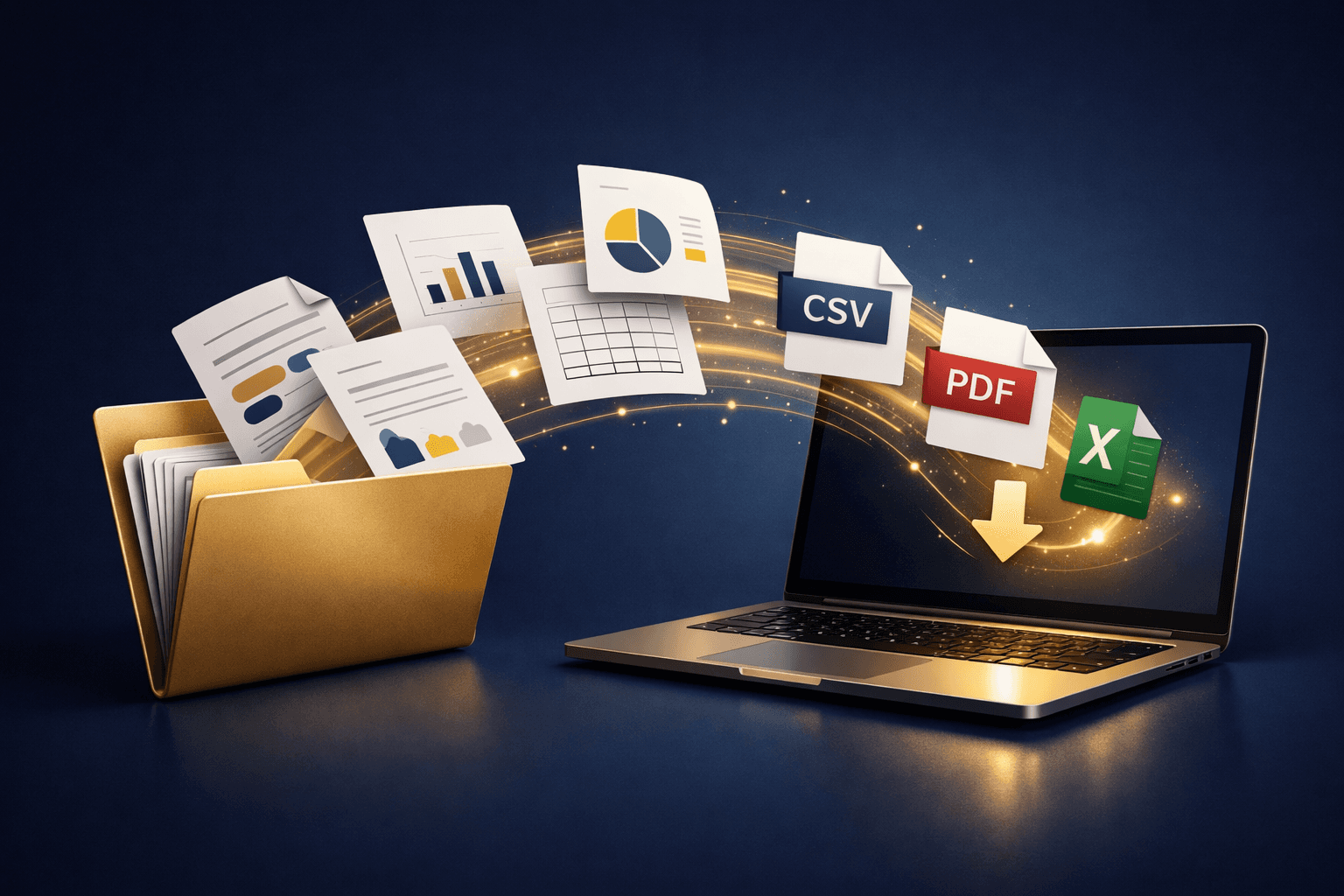
Client list export is fully self-serve (as of September 15, 2026) through Fresha's own export tool. Navigate to Options, then Export, then choose your format. CSV or Excel, and the file is ready within a few clicks. No support ticket to file. No queue to sit in. No per-record manual process standing between you and data that's already yours. Fresha's article doesn't list the columns the file contains, so open it and check for notes before you rely on them.
Appointment history exports the same way: per Fresha's help center (as of September 15, 2026), the Appointments list filters by client, reference or date range and exports to PDF, CSV or Excel, so it comes with date-range filters that let you pull exactly the window you need. That's a real difference from an all-or-nothing dump of every booking the business has ever taken since day one. Most platforms in this series don't offer appointment history as a self-serve export at all, let alone one with filtering built in.
The One Exception
The only thing Fresha won't hand you directly is stored card details. That's a PCI compliance requirement every payment processor follows across the entire industry. It isn't a platform-specific lock-in tactic dressed up to look like a security measure. Cardholder data isn't supposed to move around as a plain export file, full stop, regardless of which booking software happens to be involved.
Why It's Worth Naming
Most posts in this series exist because a platform makes export harder than it reasonably needs to be. Fresha is the counter-example. That's worth calling out precisely because client data ownership shouldn't be this rare to get right in a category built around managing client relationships day in and day out.
If you're weighing platforms specifically on how hard they make it to leave, this is the one in the field that isn't the problem. That single fact carries real weight when you're deciding where years of client history should live next, long after the initial sign-up decision is forgotten.
What This Looks Like Next to the Rest of the Series
Set this next to Boulevard's thirty-day countdown, Vagaro's one-at-a-time notes queue, or GlossGenius's support-only process, and the difference is stark. Fresha doesn't put a clock, a queue, or a ticket between an operator and their own records. Everything else in this series does, in one form or another, and each of those forms costs real time to work around once a migration is already underway and the clock is running.
That pattern is worth remembering the next time a platform's pricing page talks about data ownership in the abstract. The words are easy to write, and most platforms in this space write some version of them. The export tool either exists or it doesn't. Fresha is one of the few in this category where it genuinely does. No qualification. No support ticket. No countdown timer attached to any of it.
What This Looks Like in Practice
An operator moving off Fresha doesn't need a migration consultant or a written timeline from a support team. The export tool sits exactly where a business owner would expect to find it, right inside the account settings a person already knows how to navigate.
The file format is usable without conversion the moment it downloads. Nothing about the process requires special permission from anyone at the company, and nothing sits behind a queue waiting on someone else's schedule.
That's the baseline every platform in this category should be measured against. Most aren't there yet, and reading the rest of this series makes clear why that gap matters to an operator planning ahead.
Bottom Line
If export access matters to your decision, Fresha clears the bar the rest of this series doesn't.
Curious how Tersavia compares on the features that matter beyond export.
FAQ
Can I export my full client list from Fresha myself?
Yes. It's fully self-serve. The client list exports as CSV or Excel with no support request needed; the help article doesn't list which columns are included, so check the file for notes before you rely on it.
Does Fresha let me export appointment history?
Yes, with date-range filters so you can pull exactly the range you need, entirely self-serve.
Why can't I export stored card data from Fresha?
That's a PCI compliance restriction that applies to every platform handling payment cards, not something specific to Fresha.
Do I need to contact Fresha support to export my data?
No. The entire export process is designed to be run by the account owner alone, without any support involvement at any step.
Does Fresha limit how often I can run an export?
There's no documented limit on how many times you can run the export tool, so a monthly or quarterly backup habit costs nothing beyond a few minutes of your time.