Why You Can't Bulk-Export Client Notes From Zenoti
Zenoti's own documentation confirms client notes have no bulk export — only manual copy-paste, one guest record at a time.
TL;DR: Most Zenoti data exports cleanly with a button. Client notes don't. Zenoti's own documentation (page last modified June 17, 2024; checked September 15, 2026) says the only way out is manually copying each guest's notes one record at a time.
Most of what you'd want out of Zenoti exports cleanly. The guest list has an export button. Reports do too. Target segments export just as easily, in Excel, CSV, or PDF depending on what a given situation calls for. They work the way a modern platform's export tools ought to work.
The One Thing That Doesn't
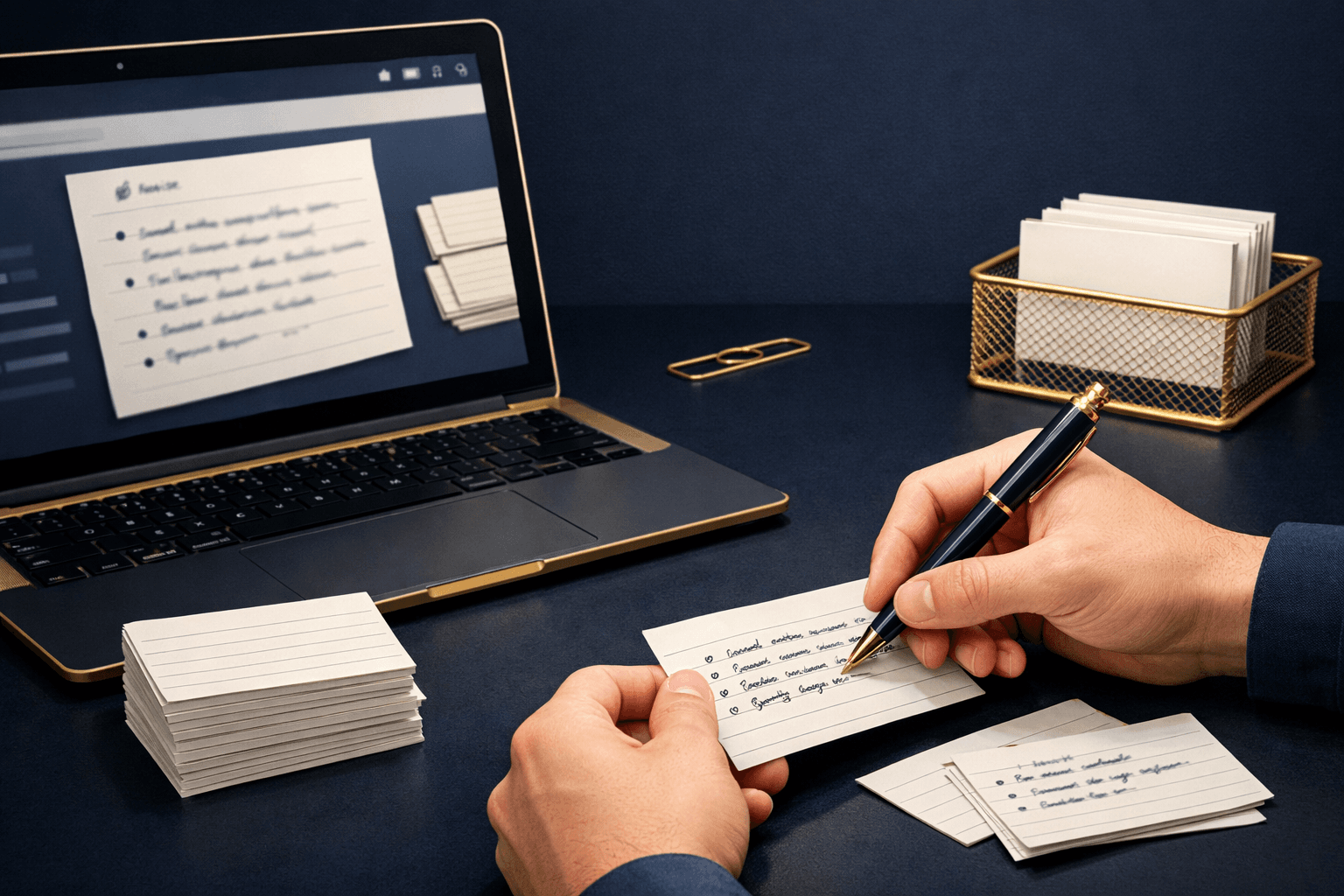
Client notes don't export in bulk, and this isn't a workaround stumbled onto through trial and error. It's written directly into Zenoti's own documentation, as of September 15, 2026: certain data cannot be easily extracted in bulk from the UI, and their stated solution is to manually access each guest record and copy the notes into another document, one at a time, entirely outside the system.
Think about what lives in those notes. Color formulas that took years to dial in correctly for a specific client. Treatment preferences nobody wants to relearn from scratch. The small details that make a repeat client feel remembered instead of processed like a stranger walking in off the street.
Losing easy access to that isn't just a technical inconvenience tucked into a settings page somewhere. If you've built years of that kind of history, the process Zenoti describes isn't an export at all. It's data entry in reverse, done entirely by hand, guest by guest, with no shortcut documented anywhere in their own help center.
What That Looks Like at Scale
Picture a spa with six hundred active guest profiles, each carrying a few years of accumulated notes. Exporting the guest list itself takes a few minutes with the built-in tool sitting right there in the dashboard. Getting the notes out is a different story entirely.
That's six hundred separate visits to individual records. Someone has to open each profile, read through the notes, and copy them somewhere else by hand, one guest after another until the list finally runs out. That's not a rounding error tucked into a migration plan. It's a project of its own. It has its own timeline. It has its own labor cost, one that rarely shows up on any budget until someone starts the clock and watches how many hours a single afternoon of copying quietly takes to burn through.
What Users Say
One Trustpilot reviewer summed up a broader experience with the platform bluntly, describing it in their own words as the single most frustrating and expensive software mistake they'd made running a business. That review wasn't specifically about the notes export gap. It still captures the kind of friction that tends to compound once an operator starts trying to move real data around.
Where This Lands Compared to the Rest
Zenoti sits closer to the difficult end of this series than the easy end. Most of the platform behaves the way Fresha does everywhere: click, download, done. Notes are the exception, and they're the exception that costs the most hours to work around.
What to Do
Export everything that does have a button first, while you still have full, uninterrupted account access. The guest list moves quickly. So do the reports and the segments.
If notes matter to your business, and for most service businesses they do, start the manual copy-paste process early. Treating it as a last-minute task is how it quietly eats an entire migration weekend you'd planned to spend elsewhere.
Budget the labor cost of this into your switching timeline, not just the software cost of wherever you're headed next. Hours spent copying notes by hand are a real expense, even without an invoice attached to prove it.
See how that compares to what other platforms charge for the same category of software.
Bottom Line
Everything except your notes has a button in Zenoti. Your notes have a copy-paste job, one guest at a time, with no bulk option documented anywhere in the platform.
Compare that to switching to Tersavia.
FAQ
Can I bulk-export client notes from Zenoti?
No. Zenoti's own help documentation confirms notes have to be copied manually, one guest record at a time. There's no bulk export tool for them.
What does export cleanly from Zenoti?
The guest list has an export button, and so do standard reports and target segments, in the format you need.
How long does it take to manually export notes from Zenoti?
There's no fixed number. It scales directly with how many client records you have and how much note history sits in each one.
Is there a paid or enterprise option for bulk note export on Zenoti?
Zenoti's own documentation doesn't describe one. The manual, record-by-record process is the only one its help center describes.