SMS Reminder Timing: When to Send for Maximum Impact
Discover the optimal SMS reminder timing to reduce no-shows. Learn when to send appointment reminders for maximum client response and booking retention.
SMS Reminder Timing: When to Send for Maximum Impact
TL;DR: The timing of your SMS appointment reminders can make or break their effectiveness. Send too early and clients forget. Send too late and they can't reschedule. This guide breaks down the optimal timing strategy that cuts no-shows by up to 40%.
Every missed appointment costs your business money. For a $100 service, that's $100 in lost revenue plus the opportunity cost of an empty chair. But here's what most salon and spa owners don't realize: it's not just about sending SMS reminders—it's about when you send them.
The difference between a 15% no-show rate and a 5% no-show rate often comes down to timing. Send reminders at the wrong time, and you're essentially throwing money at a problem that gets worse, not better.
The Science Behind SMS Reminder Timing
Client behavior follows predictable patterns. Research from appointment-based businesses shows that reminder effectiveness peaks at specific intervals:
But raw open rates don't tell the whole story. The goal isn't just to get your message read—it's to give clients enough time to respond if they need to reschedule.
Why Traditional "24-Hour Only" Reminders Fail
Most booking systems default to a single 24-hour reminder. This seems logical, but it creates two problems:
Smart businesses use a multi-touch approach that accounts for human psychology and daily routines.
The Three-Touch SMS Reminder System
The most effective reminder strategy uses three carefully timed touchpoints:
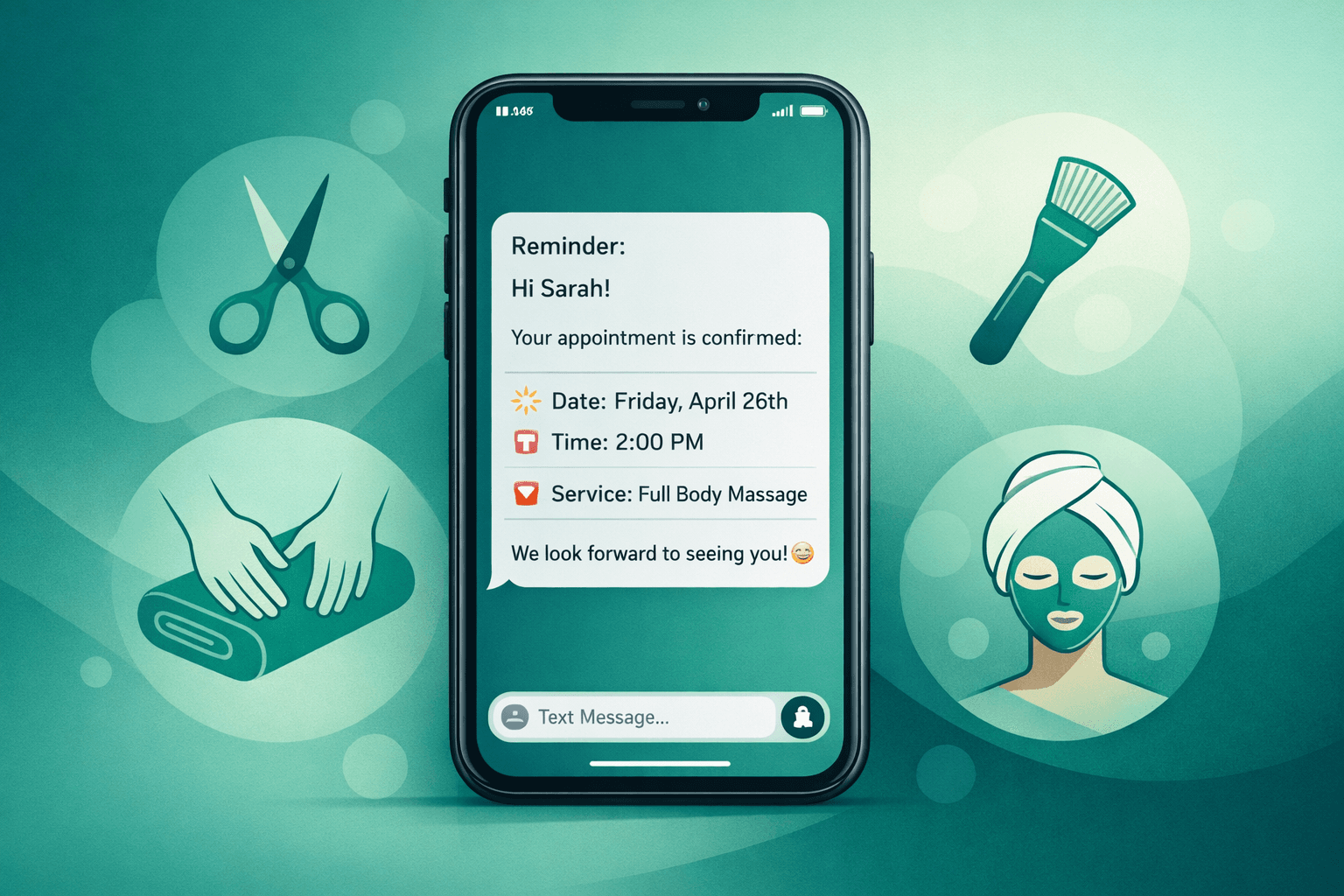
Touch 1: The Confirmation (Immediately After Booking)
When: Within 5 minutes of booking
Purpose: Confirm details while they're fresh
Example: "Hi Sarah! Your cut & color is confirmed for Thu, May 22 at 2 PM with Lisa. Need to reschedule? Just reply CHANGE."
Touch 2: The Advance Notice (48-72 Hours Before)
When: 2-3 days before the appointment
Purpose: Give time for guilt-free rescheduling
Example: "Hi Sarah! Reminder: cut & color Thu, May 22 at 2 PM. Running late or need to reschedule? Reply RESCHEDULE."
Touch 3: The Final Reminder (2-4 Hours Before)
When: Same day, before the appointment
Purpose: Catch last-minute conflicts
Example: "Sarah, your 2 PM appointment with Lisa is in 3 hours. See you soon! Need help? Call (555) 123-4567."
Industry-Specific Timing Considerations
Different types of businesses see better results with slight timing adjustments:
Medical Spas and Wellness Clinics
Hair Salons and Barbershops
Massage and Spa Services
Time of Day Matters Too
SMS timing isn't just about how far in advance—it's also about what time you send:
Highest Response Times by Day:
Never Send Between:
How CRM Integration Automates Perfect Timing
Manual reminder timing is nearly impossible to execute consistently. Your CRM should handle this automatically:
Vagaro: Built-in SMS automation with customizable timing
Boulevard: Advanced reminder sequences with A/B testing
Mindbody: Multi-touch campaigns with behavior triggers
Mangomint: Smart timing based on service type
Fresha: Automated sequences with client preference learning
If your current system doesn't support multi-touch SMS sequences, you're leaving money on the table.
Voice AI: The Missing Piece for Complex Rescheduling
SMS reminders work great for confirmations, but what happens when clients need to reschedule? Most reply with questions: "Can I move to Wednesday?" or "What times do you have tomorrow?"
This is where voice AI becomes invaluable. Shamrok's voice AI receptionist handles these complex conversations automatically:
The result? SMS reminders that actually solve problems instead of creating more work for your front desk.
Measuring SMS Reminder Success
Track these metrics to optimize your timing:
Response Rate: Percentage who reply to reminders
No-Show Rate: Before and after timing changes
Reschedule Rate: How often clients move appointments
Revenue Recovery: Value of rescheduled vs. no-show appointments
A well-timed reminder system should achieve:
FAQ
How many SMS reminders should I send without being annoying?
Three touchpoints is the sweet spot: confirmation, advance notice (48-72 hours), and final reminder (2-4 hours). This feels helpful, not pushy, because each serves a different purpose.
What if clients complain about too many reminders?
Always include opt-out language and respect preferences. Most complaints come from poor timing (too early/late) rather than frequency. Focus on timing optimization first.
Should reminder timing differ for new vs. returning clients?
Yes. New clients benefit from more detailed confirmations and earlier reminders (they're more likely to forget). Returning clients prefer concise, well-timed final reminders.
Can I automate different timing for different service types?
Absolutely. Most modern CRMs allow service-specific reminder templates. Long appointments need earlier advance notice, while quick services focus on same-day confirmation.