SMS Appointment Reminders That Actually Reduce No-Shows
Learn how effective appointment SMS reminders reduce no-shows by 40-60%. Best practices, timing, and automation tips for salons, spas, and service businesses.
TL;DR
Effective SMS appointment reminders can reduce no-shows by 40-60% when done right. The key isn't just sending texts—it's the timing, personalization, and follow-up sequence that makes the difference. This guide covers what works, what doesn't, and how to automate reminders without drowning your staff in manual tasks.
No-shows are the silent killer of appointment-based businesses. A client doesn't show up for their 2 PM slot, and suddenly you're out $150 in revenue with zero notice. Multiply that across a week, and you're looking at thousands in lost income.
Most salon and spa owners know SMS reminders help, but many are doing them wrong. A generic "Don't forget your appointment tomorrow" text sent once isn't enough anymore. Clients are busier, more distracted, and frankly, used to ignoring basic reminders.
The businesses that actually move the needle on no-show rates use a strategic approach to SMS reminders—the right message, sent at the right time, with the right follow-up sequence.
Why Most SMS Reminders Fail
Before diving into what works, let's address why most reminder systems fall short:
Generic messaging: "You have an appointment tomorrow" tells the client nothing useful. What service? What time? With whom? The lack of specific details makes it easy to ignore.
Poor timing: Sending a single reminder 24 hours ahead isn't optimal for every client or service type. A 3-hour facial needs different reminder timing than a quick haircut.
No personalization: Using the client's name is basic personalization. Real personalization includes service details, provider names, and context about their last visit.
Missing follow-up: One reminder and done. No confirmation request, no "running late?" follow-up, no rebooking offer when someone cancels.
The result? Reminder fatigue. Clients start ignoring your texts because they've trained themselves to expect generic, unhelpful messages.
The Anatomy of Effective SMS Reminders
Successful reminder campaigns follow a specific structure that increases engagement and reduces no-shows:
Message Content That Works
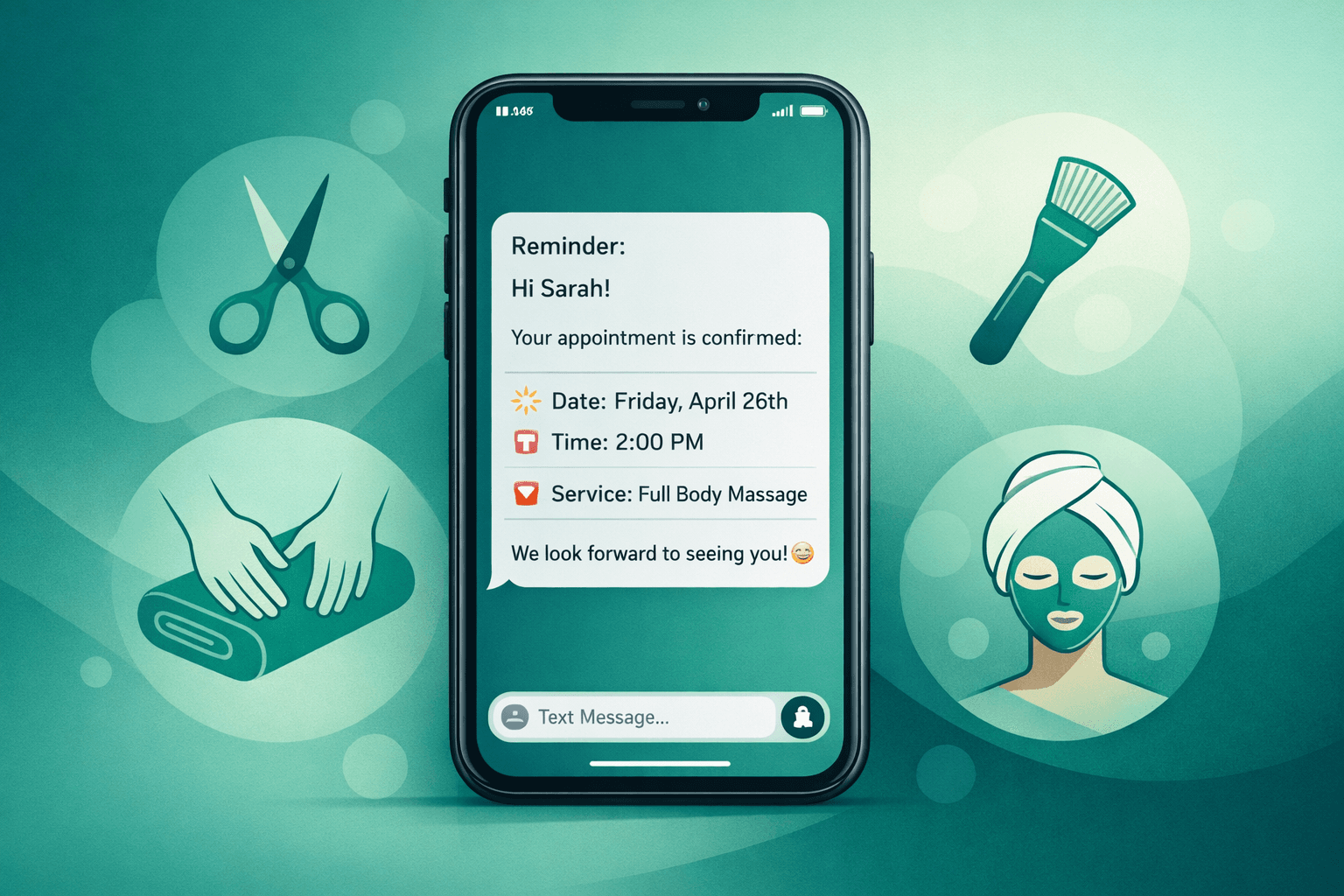
Include specific details: "Hi Sarah! Reminder: 90-min deep tissue massage with Maya tomorrow (Thurs) at 2:30 PM. Reply CONFIRM or call to reschedule."
Add value beyond the reminder: "Hi Mike! Your color touch-up with Jessica is tomorrow at 10 AM. Pro tip: avoid washing your hair tonight for better color absorption. Reply YES to confirm!"
Make response easy: Always include a simple way to confirm, reschedule, or cancel. "Reply YES to confirm" is better than "call us to confirm."
Timing That Maximizes Response
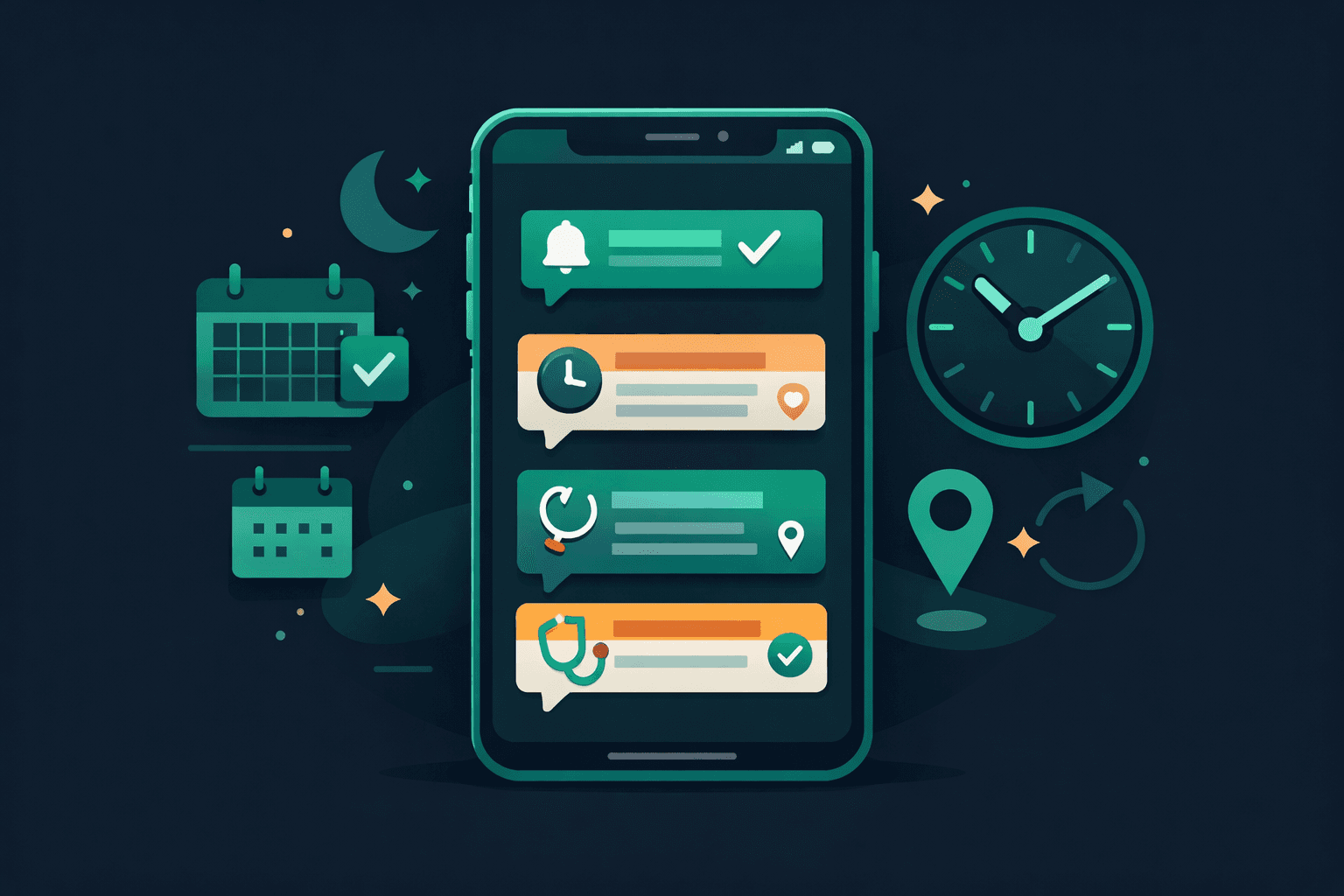
The most effective reminder sequence uses multiple touchpoints:
Not every appointment needs every touchpoint, but higher-value services ($100+) and new clients benefit from the full sequence.
Response Handling That Reduces Staff Workload
When clients reply to confirm, reschedule, or cancel, someone needs to handle those responses. The best systems automate acknowledgments:
Integration with Your Existing Booking System
The reminder system only works if it syncs with your CRM and handles updates automatically. Here's what to look for:
Real-time sync: When staff moves an appointment in Vagaro or Boulevard, the reminder system should update immediately. No manual intervention required.
Automatic opt-outs: If a client cancels their appointment, they shouldn't get reminder texts about it. The system should remove them from the sequence instantly.
Smart scheduling: The system should know not to send a "24-hour reminder" at 2 AM. Messages should go out during business hours unless the client specifically opts in for off-hours communication.
Staff notifications: When clients respond to reschedule or have questions, staff should get notified through their preferred channel—whether that's the CRM, email, or a dashboard.
Measuring What Matters
Tracking the right metrics helps you optimize your reminder strategy:
Response rate: What percentage of clients respond to confirmation requests? Industry average is 15-25%. Higher rates suggest good message content and timing.
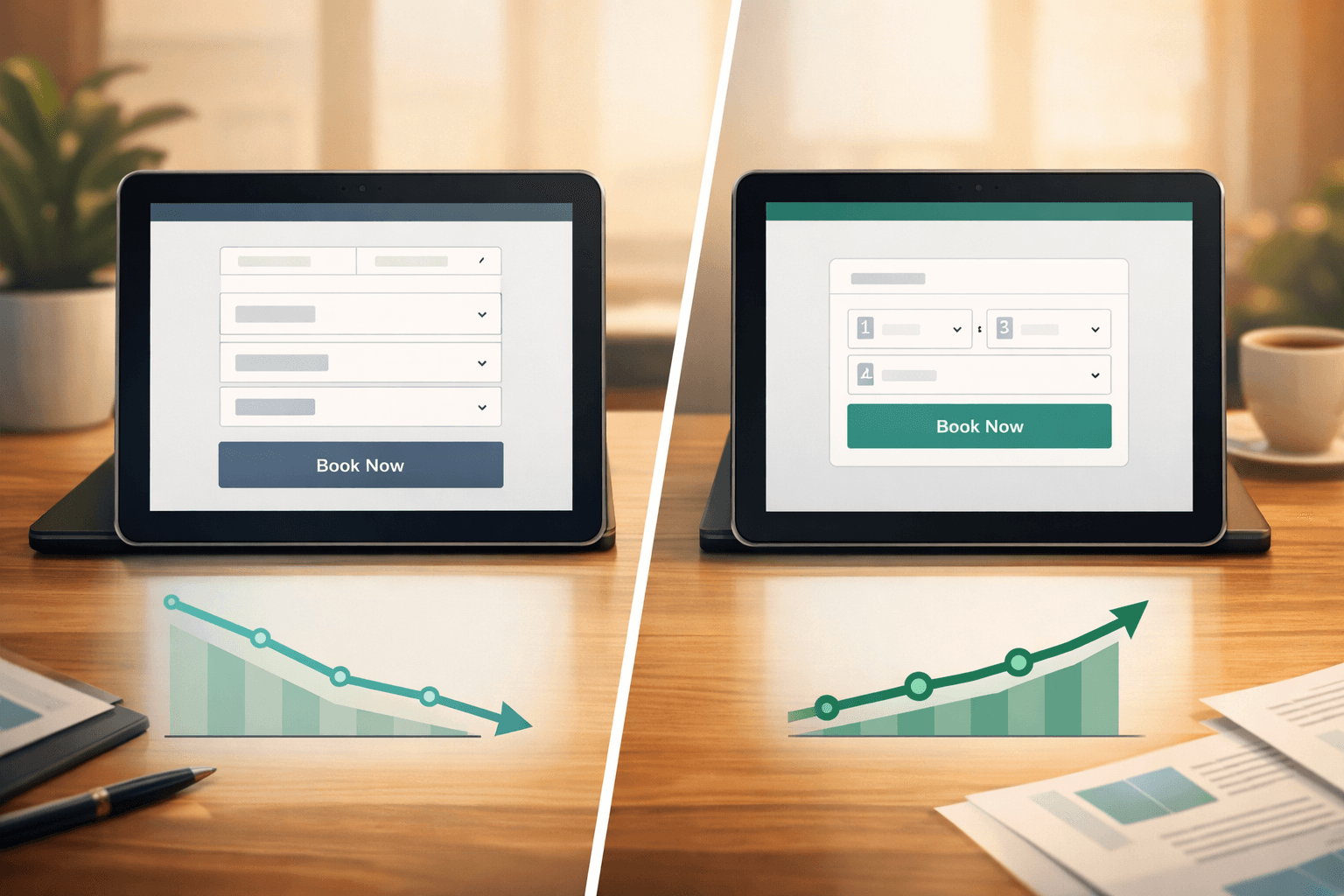
No-show rate reduction: Track before and after implementing SMS reminders. Well-executed campaigns typically reduce no-shows by 40-60%.
Rebooking rate: When someone cancels or no-shows, how often do they rebook? This measures the long-term relationship impact of your communication.
Staff time savings: How many hours per week does automation save your front desk? Factor this into your ROI calculation.
Common Pitfalls to Avoid
Even well-intentioned reminder systems can backfire:
Over-messaging: Sending daily reminders for a single appointment annoys clients. Stick to the optimal frequency for each service type.
Ignoring time zones: If you serve clients across time zones, make sure reminders go out based on their local time, not yours.
Generic sender names: "SALON123" or random numbers look spammy. Use your business name or a recognizable short code.
No spam compliance: Always include opt-out instructions and respect when clients choose to unsubscribe from SMS.
When Voice AI Enhances SMS Strategy
SMS reminders work best as part of a broader communication strategy. Voice AI can handle the complex scenarios that text can't:
For example, when a client texts "Can I move my Tuesday appointment?", an AI receptionist can immediately call them back, check availability, and book the new slot while updating all the reminder sequences automatically.
This combination of SMS for simple reminders and voice AI for complex interactions creates a seamless client experience that reduces no-shows while minimizing staff involvement.
The Bottom Line on SMS Reminders
Effective appointment reminders aren't about the technology—they're about the strategy. The right message, sent at the right time, with easy response options and proper follow-up can transform your no-show rate.
But SMS works best when it's part of a complete communication system that includes voice support for complex requests. Clients want convenience, and that means meeting them where they are—whether that's text for quick confirmations or phone for detailed conversations.
The businesses winning on no-show reduction aren't just sending better texts. They're creating better client experiences that make keeping appointments the easy, obvious choice.
FAQ
How far in advance should I send SMS appointment reminders?
Send the first reminder 24-48 hours before the appointment, with an optional follow-up 2-4 hours ahead for same-day services. For high-value appointments ($100+), consider a 7-day advance confirmation request.
What's the ideal response rate for SMS appointment confirmations?
A healthy response rate for SMS confirmations is 15-25%. If you're seeing lower rates, check your message content, timing, and sender identification. Higher value services typically get better response rates.
Can SMS reminders integrate with booking systems like Vagaro and Boulevard?
Yes, most professional SMS reminder systems integrate with major booking platforms including Vagaro, Boulevard, Mindbody, and Mangomint. Look for real-time sync capabilities to avoid sending reminders for cancelled appointments.
How do I handle clients who respond to SMS reminders with questions?
Automated acknowledgments work for simple responses, but complex questions need human or AI voice support. The best approach combines SMS for confirmations with voice AI to handle detailed conversations about rescheduling, services, or policies.