Small Business Online Booking Platform Setup Guide
Complete guide to choosing and setting up the right online booking platform for your small business. Compare features, pricing, and integration options.
Small Business Online Booking Platform Setup Guide
TL;DR: Choosing the right online booking platform can transform your small business operations. This guide covers platform selection, setup essentials, and optimization tips to maximize bookings and reduce no-shows.
Every small business owner knows the frustration: you're delivering excellent service to one client while three potential customers call and hang up because nobody answers. By the time you check voicemail, those prospects have already booked with a competitor who made it easy to schedule online.
The solution isn't hiring more staff — it's setting up an online booking platform that works around the clock. But with dozens of platforms available, choosing the right one can feel overwhelming. This guide breaks down exactly what you need to know.
Why Online Booking Platforms Matter More in 2026
Small businesses lose an average of 27% of potential revenue to missed calls during business hours. That's not counting after-hours inquiries that go straight to voicemail.
Online booking platforms solve this by:
The right platform pays for itself within weeks by capturing bookings you would have otherwise lost.
Choosing Your Online Booking Platform
Not all booking platforms are created equal. Here's what matters most for small businesses:
Essential Features to Look For
Calendar Integration
Your booking platform should sync with Google Calendar, Outlook, or Apple Calendar. This prevents the nightmare scenario where you're double-booked because your online system and personal calendar don't talk to each other.
Mobile Optimization
Over 70% of online bookings happen on mobile devices. If your booking page doesn't work smoothly on phones, you're losing customers before they even try to schedule.
Payment Processing
The ability to collect deposits or full payment at booking time dramatically reduces no-shows. Look for platforms that integrate with Stripe, Square, or PayPal.
Automated Messaging
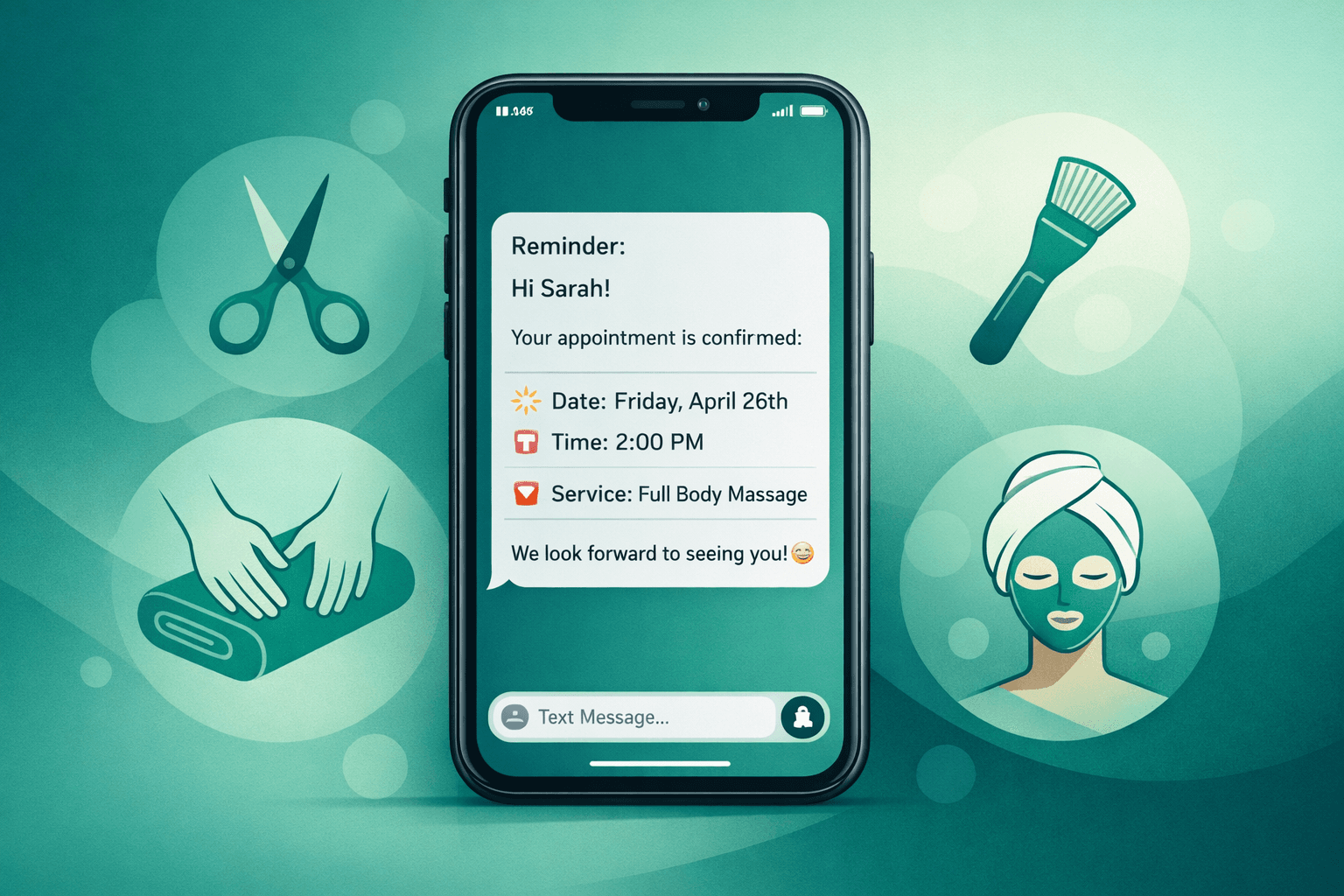
Confirmation emails, reminder texts, and follow-up messages should happen automatically. Manual follow-up is where most small businesses drop the ball.
Platform Comparison by Business Type
For Salons and Spas:
Vagaro and Boulevard lead the pack with features specifically designed for beauty and wellness businesses. Both handle complex scheduling scenarios (multiple services, different staff members, package deals) and include point-of-sale functionality.
For Health and Wellness:
Mindbody dominates the fitness and wellness space with robust class scheduling, membership management, and instructor payroll features. Jane App works well for smaller practices that need simple appointment scheduling with patient management.
For General Service Businesses:
Mangomint and Fresha offer solid all-around functionality without industry-specific bloat. They're particularly good for businesses that need straightforward appointment booking without complex scheduling rules.
Step-by-Step Platform Setup
Phase 1: Basic Configuration (Week 1)
Set Your Availability
Start by blocking out your actual working hours. Be realistic — if you're not answering phones or seeing clients on Sunday mornings, don't allow Sunday morning bookings.
Most platforms let you set:
Create Your Services Menu
List each service you offer with accurate duration and pricing. Include brief descriptions that help customers understand what they're booking.
Pro tip: Start with your three most popular services. You can always add more later, but a simple initial menu converts better than an overwhelming list of options.
Configure Notification Settings
Set up automatic emails and text messages for:
Phase 2: Advanced Features (Week 2)
Payment Integration
Connect your preferred payment processor. Most platforms charge 2.9% + 30¢ per transaction, similar to other online payment tools.
Consider requiring deposits for:
Deposits reduce no-shows by roughly 40% compared to free bookings.
Staff Management (if applicable)
If you have multiple team members, set up individual calendars and assign services to specific staff members. This prevents customers from booking services with staff who aren't qualified to provide them.
Custom Intake Forms
For health, wellness, or beauty services, create intake forms that collect necessary information before the appointment. This saves time during check-in and ensures you're prepared for each client.
Phase 3: Integration and Optimization (Week 3)
Website Integration
Embed your booking widget directly into your website. Most platforms provide simple copy-and-paste code that works with any website builder.
Place booking buttons in multiple locations:
Google Business Profile Connection
Connect your booking platform to your Google Business Profile so customers can schedule appointments directly from Google search results and Maps.
Social Media Integration
Add booking links to your Instagram bio, Facebook page, and any other social media profiles. Make it as easy as possible for potential customers to schedule with you.
Common Setup Mistakes to Avoid
Over-Complicating Your Service Menu
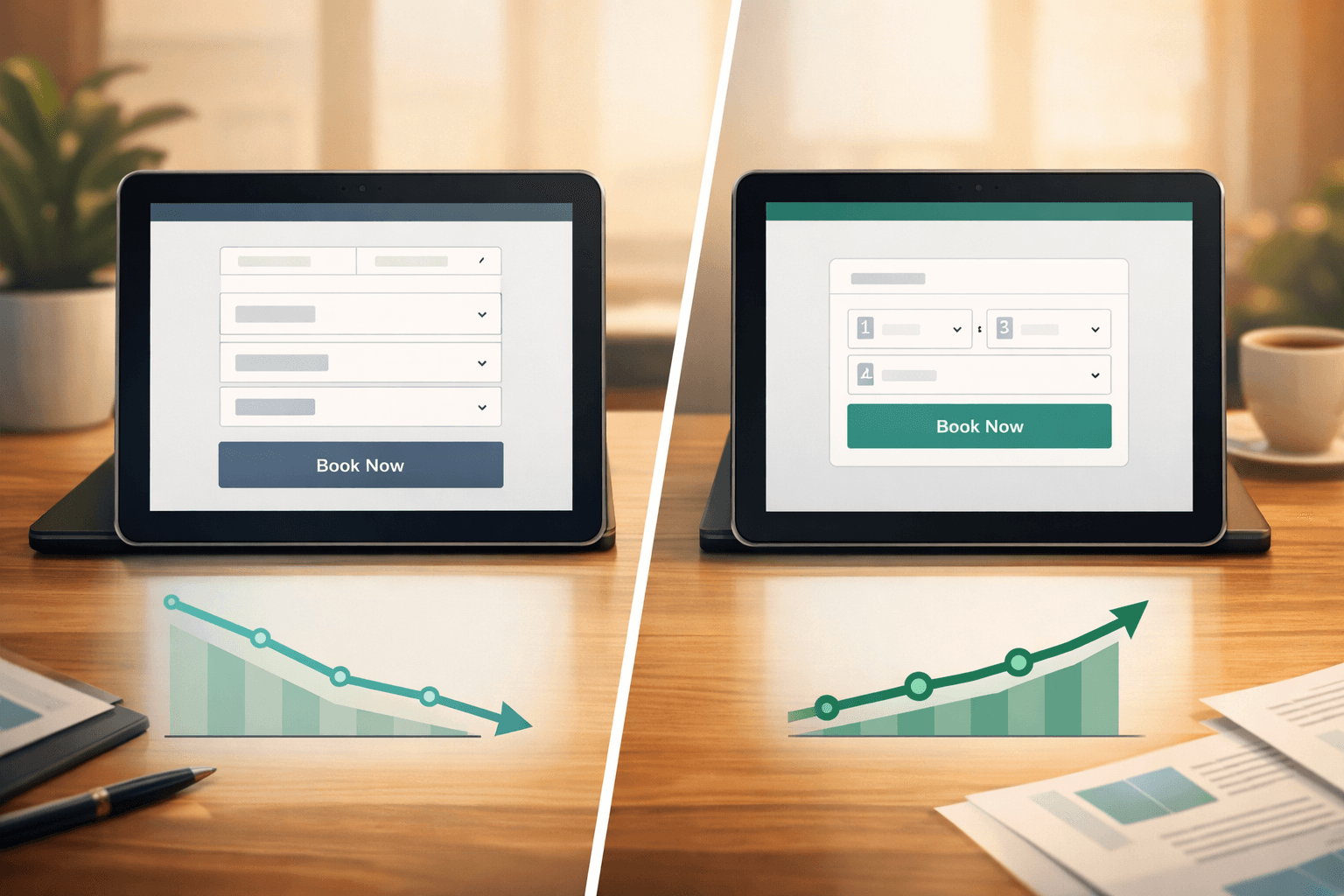
New users often create dozens of service variations ("30-minute massage," "45-minute massage," "60-minute massage"). Instead, offer fewer options with clear time and price differences.
Setting Unrealistic Buffer Times
Don't schedule back-to-back appointments unless you're certain you can deliver consistently. Build in 10-15 minutes between appointments for cleanup, notes, and brief breaks.
Forgetting Mobile Testing
Always test your booking process on a mobile device before going live. A clunky mobile experience kills conversions.
Skipping Payment Setup
Even if you don't want to charge upfront, connect a payment processor so you have the option to require deposits later. Adding payment processing after launch often requires customers to re-enter their information.
Measuring Success and Making Improvements
Track these key metrics monthly:
Most successful small businesses see:
If your numbers are significantly lower, consider adjusting your pricing, service descriptions, or booking requirements.
The Bottom Line
Setting up online booking isn't just about convenience — it's about capturing revenue that would otherwise walk away. The businesses that thrive in 2026 are the ones that make it effortless for customers to schedule and pay for services.
Start simple, test everything on mobile, and don't be afraid to adjust your setup based on what actually works for your customers. The perfect booking system is the one that gets used consistently by both you and your clients.
For businesses looking to take their customer service even further, AI-powered solutions like Shamrok can handle the calls that come in even after online booking is set up, ensuring no potential customer falls through the cracks.
Frequently Asked Questions
What's the average cost of online booking platforms for small businesses?
Most platforms charge $20-50 per month plus transaction fees of 2.9% + 30¢ per online payment. The monthly fee typically includes unlimited bookings and basic features.
How long does it take to set up online booking?
Basic setup takes 2-4 hours spread over a week. Advanced features like payment processing and integrations add another 1-2 hours. Most businesses are fully operational within two weeks.
Do I need technical skills to set up online booking?
No. Modern booking platforms are designed for non-technical users. Most setup involves filling out forms and copying/pasting provided code snippets.
Can I still take phone bookings after setting up online booking?
Absolutely. Online booking supplements phone bookings rather than replacing them. Many platforms include features that help manage both online and phone appointments in one system.