Online Booking Setup: Complete Guide for Small Business
Complete guide to setting up online booking for small businesses. Choose the right platform, configure appointments, and reduce missed calls with proven strategies.
TL;DR
Setting up online booking transforms how small businesses handle appointments. Choose a platform that integrates with your existing tools, configure clear availability rules, and automate confirmations to reduce no-shows. The right setup captures after-hours inquiries and frees up staff time for actual service delivery.
The Real Cost of Phone-Only Booking
Your phone rings during a client's massage. Another call comes in while you're mixing hair color. Each interruption costs you focus, and every missed call potentially costs revenue.
Most appointment-based businesses lose 20-30% of potential bookings to timing mismatches. Clients call when you're busy, you call back when they're unavailable, and the cycle continues until someone gives up.
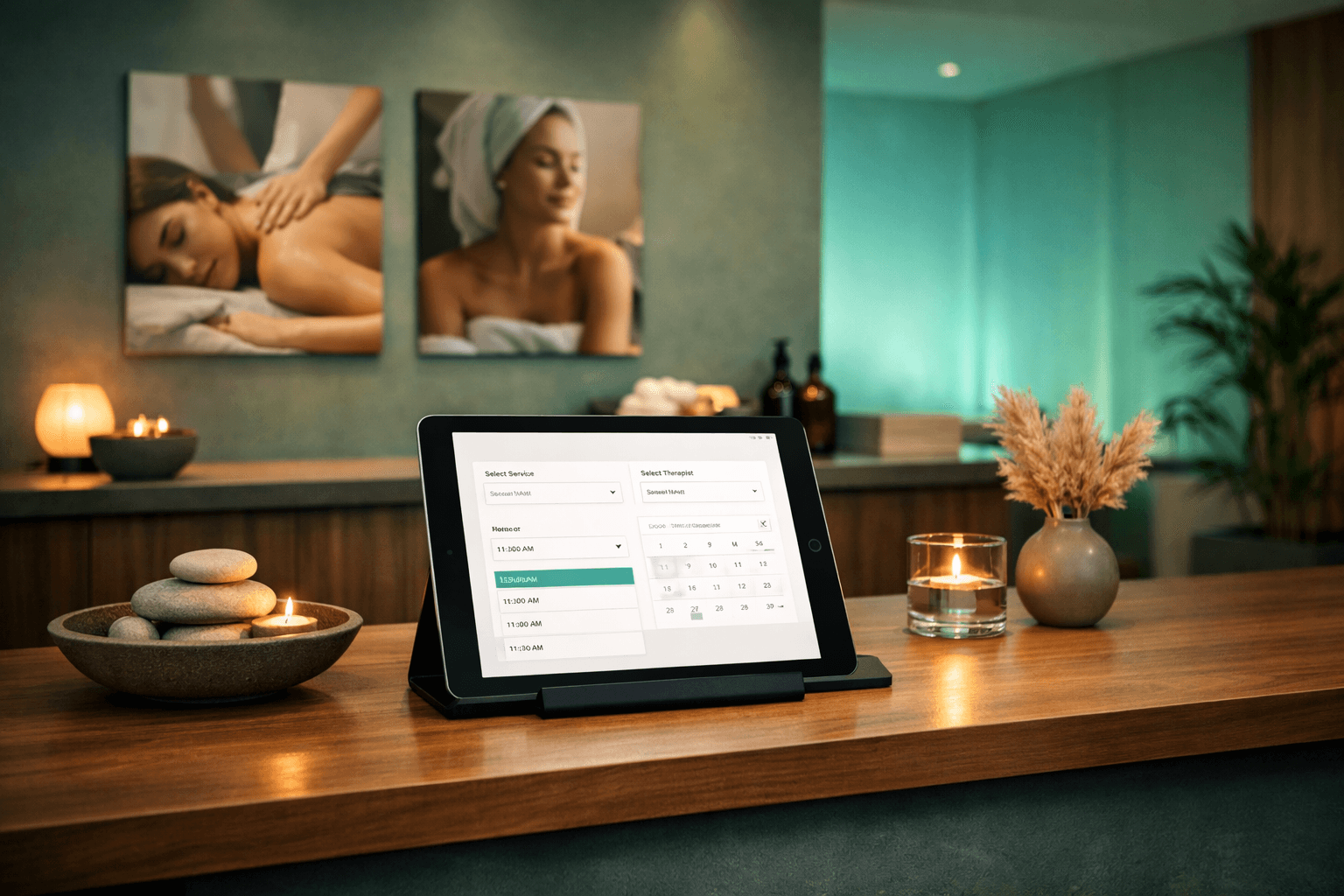
Online booking breaks this cycle. Clients book when convenient for them—often evenings and weekends when your staff isn't answering phones. But setup matters. A poorly configured system creates more problems than it solves.
Choosing Your Online Booking Platform
The booking platform landscape has consolidated around a few key players, each with distinct strengths:
Vagaro excels for multi-service businesses. Hair salons offering cuts, color, and treatments benefit from its service bundling features. The mobile app keeps regular clients engaged.
Boulevard targets upscale spas and salons. Its interface impresses clients, but the learning curve is steeper. Best for businesses prioritizing brand presentation.
Mindbody dominates fitness and wellness. If you offer classes alongside appointments, its hybrid scheduling works well. The marketplace feature brings new client discovery.
Mangomint focuses on simplicity. Independent operators appreciate its straightforward setup and transparent pricing. Less feature-rich but easier to master.
Jane App serves healthcare and wellness practitioners. Compliance features matter for licensed professionals. Electronic health records integration sets it apart.
Platform Selection Criteria
Before comparing features, answer these questions:
Match your operational reality to platform strengths rather than getting distracted by flashy features you won't use.
Essential Configuration Steps
Service Setup
Define each service with realistic time blocks. A "haircut" might take 45 minutes for new clients but 30 minutes for regulars. Build buffer time into appointment slots—rushing between clients creates stress and quality issues.
Set minimum advance booking windows. Same-day appointments sound customer-friendly but often result in no-shows. Requiring 2-4 hours notice improves attendance rates.
Staff Scheduling
Input actual staff availability, not ideal hours. If your lead stylist takes Mondays off, block those slots completely. Partial availability creates confusion and double-bookings.
Configure break times as unavailable periods. Lunch breaks aren't optional—protect them in your system or risk staff burnout.
Pricing and Deposits
Online booking reduces price shopping friction. Clients see costs upfront and self-select based on budget. But hidden fees destroy trust. Display total pricing including taxes and fees.
Require deposits for appointments over certain values or durations. A $25 deposit on a $150 service dramatically reduces no-shows without creating payment friction.
Cancellation Policies
Clear cancellation rules protect your revenue and respect other clients' time. Standard policies allow cancellation 24 hours before appointments. High-demand services or expensive treatments might require 48-72 hours notice.
Automate policy enforcement through your booking system. Manual policy application creates inconsistency and staff conflicts.
Automation That Actually Works
Confirmation Sequences
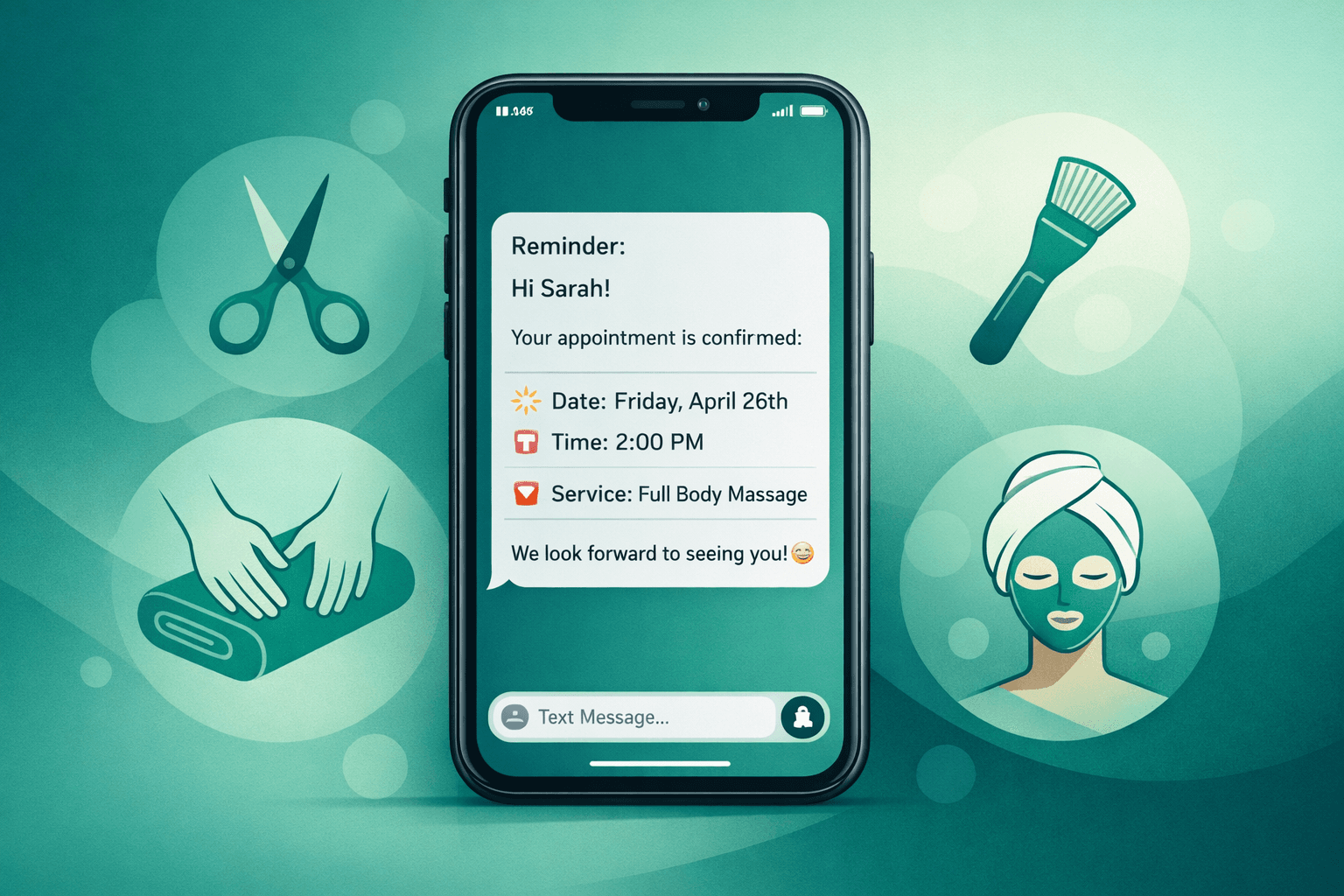
Set up automatic confirmations immediately after booking, 24 hours before the appointment, and 2 hours before service time. This three-touch sequence reduces no-shows by 40-60%.
Vary confirmation methods. Email confirmations work for advance planning. Text reminders work better for same-day awareness.
Waitlist Management
Waitlists capture demand during busy periods and fill last-minute cancellations. Configure automatic waitlist notifications when slots open up. First-come, first-served fairness matters more than complex prioritization systems.
Follow-up Automation
Schedule automatic follow-up messages 2-3 days after appointments. Thank clients, request feedback, and offer rebooking opportunities. This simple automation drives repeat business without staff time investment.
Integration Considerations
Your booking system shouldn't exist in isolation. Key integrations include:
Payment Processing: Stripe, Square, and PayPal integrate with most platforms. Choose based on your existing payment setup rather than switching for booking convenience.
Email Marketing: Mailchimp, Constant Contact, or Klaviyo connections turn booking data into marketing insights. Automate birthday discounts, service reminders, and seasonal promotions.
Voice AI Systems: Modern AI receptionists like Shamrok can book appointments directly into your existing system while handling calls during busy periods. This combination captures both phone and online bookings without staff interruption.
Accounting Software: QuickBooks or similar integrations eliminate double data entry. Service revenue flows directly into financial reporting.
Common Setup Mistakes to Avoid
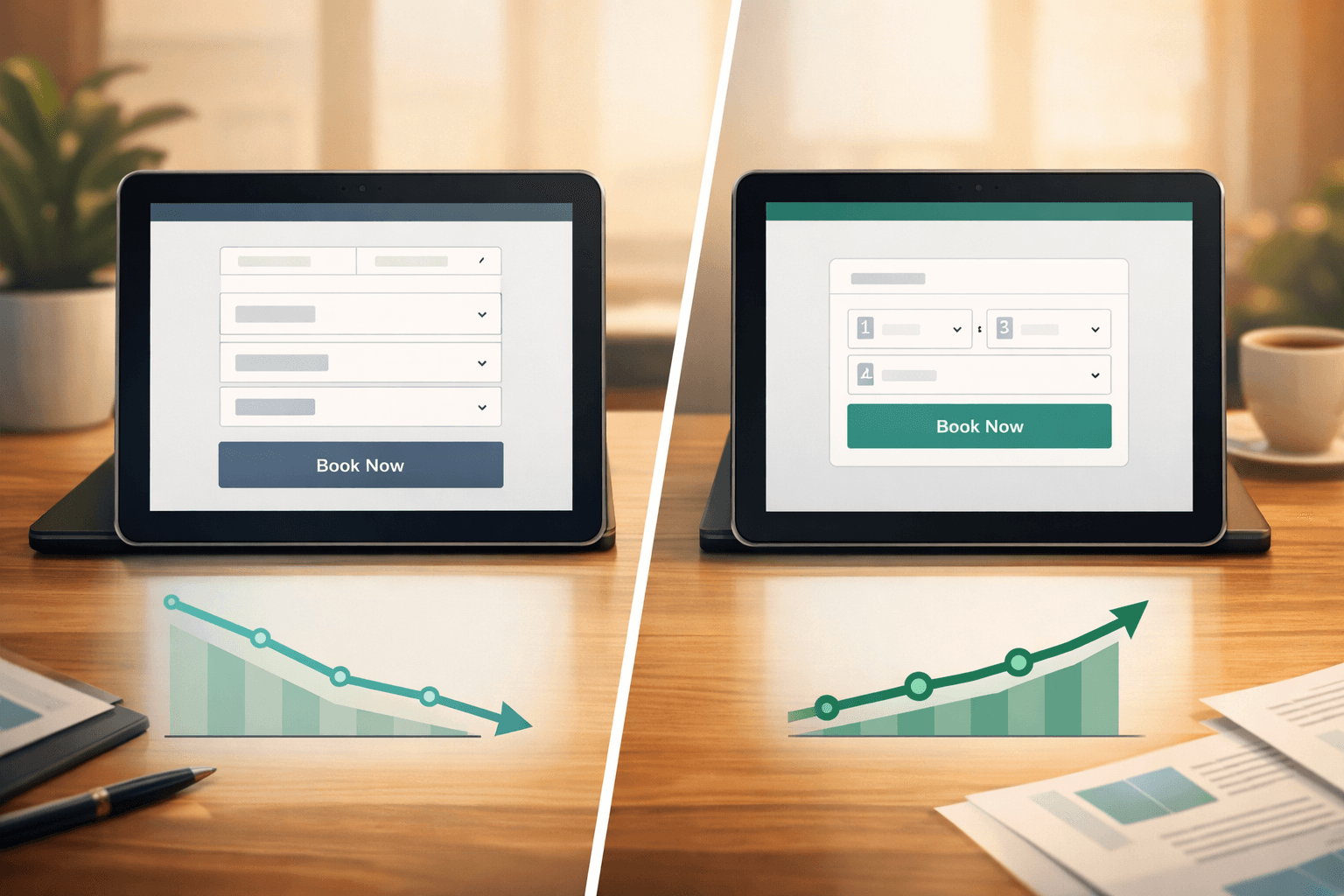
Overcomplicating service menus confuses clients and staff. Start with your core services and add complexity gradually.
Underestimating setup time leads to rushed launches. Plan 2-3 weeks for proper configuration and staff training.
Ignoring mobile optimization costs bookings. Over 60% of appointments get booked on mobile devices. Test your booking flow on phones and tablets.
Skipping staff training creates internal resistance. Your team needs to understand and trust the system before clients will.
Forgetting to update business listings with online booking links reduces discovery. Google Business Profile, Yelp, and Facebook pages should all direct to your booking system.
Measuring Success
Track these metrics monthly:
These numbers guide system refinements and staffing decisions.
The Path Forward
Online booking setup feels overwhelming because it touches every part of your operation. Start simple, test with existing clients, and expand features based on actual usage patterns.
The goal isn't perfect automation—it's reducing friction for both clients and staff while capturing revenue that currently slips away through timing mismatches.
FAQ
Q: How long does online booking setup typically take?
A: Expect 2-3 weeks from platform selection to full launch. Basic setup takes a few days, but testing and staff training require additional time for smooth operation.
Q: Should I charge extra fees for phone bookings?
A: Generally no. Convenience fees create customer friction. Instead, offer small discounts for online bookings or priority scheduling for online users.
Q: What percentage of clients will actually use online booking?
A: Most businesses see 40-60% online adoption within 6 months. Older client demographics may prefer phone booking initially but often convert once they try the online system.
Q: How do I handle complex services that need consultation before booking?
A: Offer consultation appointments through your online system, then allow consultations to lead to service bookings. This maintains the booking flow while ensuring proper service matching.