Mobile Booking Optimization: 3X More Appointments
Mobile booking optimization drives 3X more appointments. Learn mobile-first design, speed optimization, and conversion tactics for appointment-based businesses.
Mobile Booking Optimization: 3X More Appointments
TL;DR: Mobile devices drive 78% of appointment bookings in 2026, but most booking pages still aren't optimized for mobile. Simple changes to your mobile booking experience can triple your conversion rates and capture revenue you're currently losing to mobile friction.
Your potential clients are booking appointments on their phones while getting coffee, during lunch breaks, or late at night when your salon is closed. If your booking page doesn't work seamlessly on mobile, you're losing them to competitors who make it easy.
The data is clear: businesses with mobile-optimized booking see 3X higher conversion rates than those with desktop-focused designs. Yet 67% of appointment-based businesses still treat mobile as an afterthought.
Why Mobile Booking Optimization Matters Now
Mobile booking behavior has fundamentally shifted since 2024. Clients expect the same frictionless experience they get from ordering food or booking rideshares.
The numbers tell the story:
The window for capturing mobile bookings is shrinking. Users give you 8 seconds before they bounce to a competitor. Your booking page needs to load fast, display clearly, and convert immediately.
Essential Mobile Booking Optimizations
Speed Is Everything
Mobile users expect your booking page to load in under 3 seconds. Every additional second costs you 20% of potential bookings.
Quick wins for faster mobile booking:
If you're using Vagaro, Boulevard, or Mindbody, most platforms offer mobile-specific themes. Switch to them immediately.
Thumb-Friendly Design
Design your booking flow for thumbs, not mouse clicks. Mobile users book one-handed while multitasking.
Mobile booking best practices:
Streamlined Booking Flow
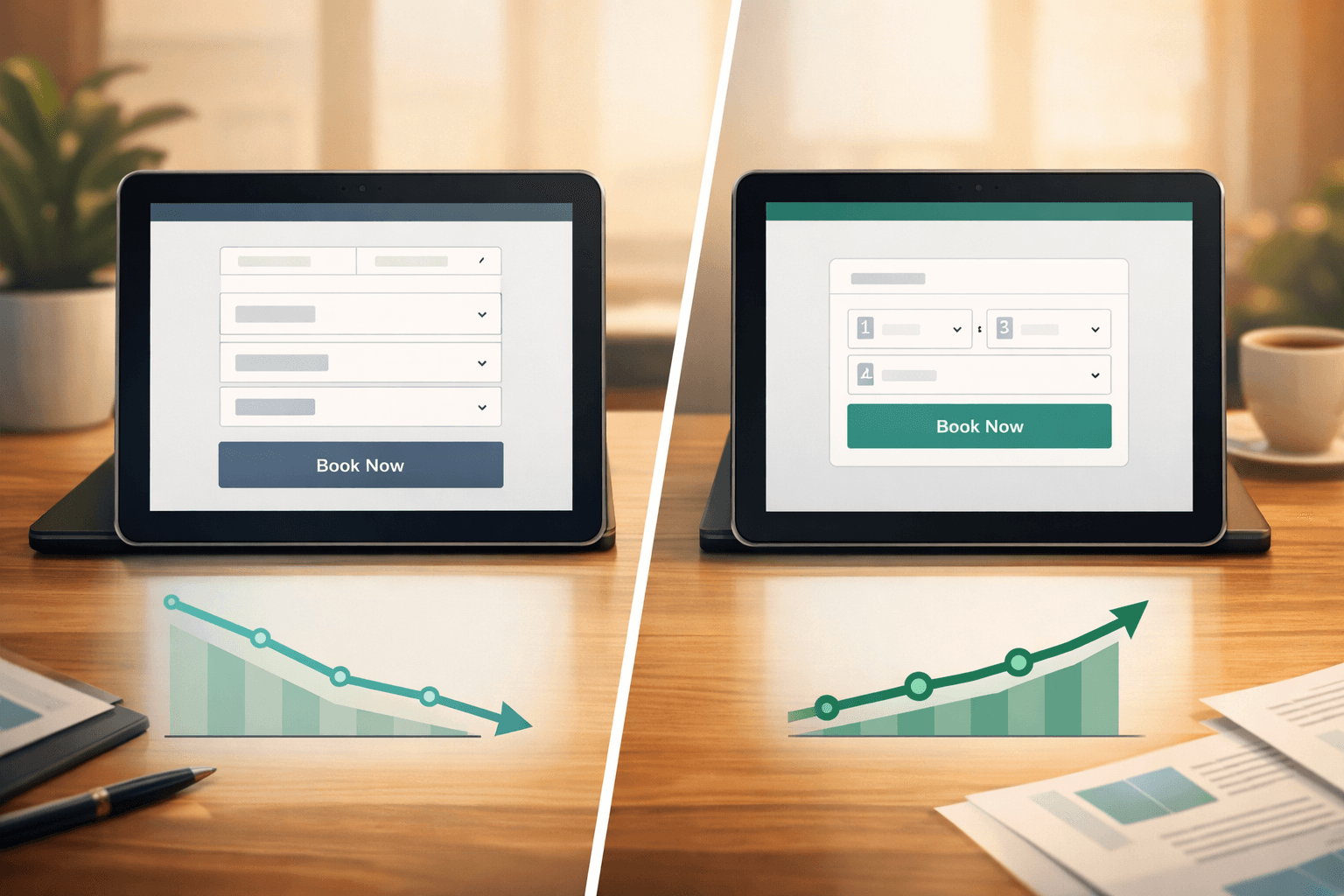
Every extra tap costs you bookings. The ideal mobile booking takes 4 taps maximum: service → date → time → confirm.
Eliminate friction by:
Mobile-First Booking Page Elements
Hero Section That Converts
Your mobile booking page has 3 seconds to communicate value. Skip the generic salon photos and focus on booking urgency.
Essential hero elements:
Avoid carousel images on mobile. They slow load times and confuse the booking decision.
Service Selection Made Simple
Mobile screens can't display your entire service menu effectively. Organize services by popularity and booking frequency.
Mobile service menu structure:
Calendar and Time Selection
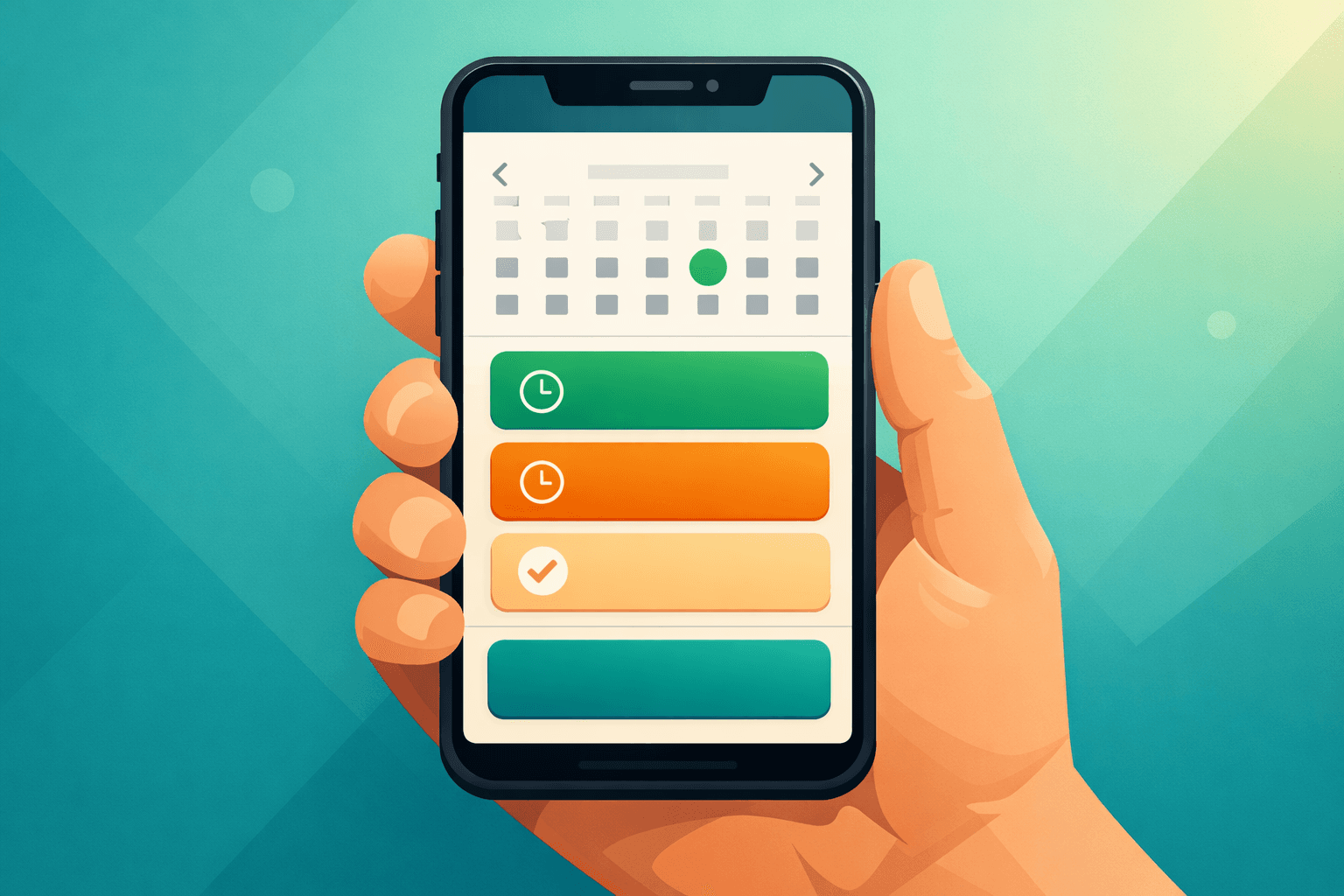
Mobile calendar widgets make or break the booking experience. Choose calendars designed specifically for thumb navigation.
Mobile calendar requirements:
Advanced Mobile Booking Strategies
Location-Based Booking
Mobile users often book while on-the-go. Use their location to streamline the booking experience.
Location-smart features:
Progressive Web App Features
Turn your booking page into a mobile app experience without requiring downloads.
PWA booking enhancements:
Social Proof Integration
Mobile users rely heavily on social proof before booking. Integrate reviews and social signals naturally.
Mobile social proof tactics:
Technical Mobile Optimization
Responsive Design Beyond Basics
True mobile optimization goes deeper than responsive design. Your booking flow needs to be mobile-native.
Advanced responsive tactics:
Form Optimization for Mobile
Mobile form completion rates drop dramatically with poor design. Optimize every input field for mobile users.
Mobile form best practices:
Integration with Voice AI
Voice AI can capture mobile users who prefer calling over form completion. When mobile booking pages integrate with voice AI systems like Shamrok, businesses see 40% higher overall conversion rates by offering multiple booking channels.
Measuring Mobile Booking Success
Track these metrics to optimize your mobile booking performance:
Key mobile booking metrics:
Monthly optimization routine:
Common Mobile Booking Mistakes
Avoid these mobile booking killers that destroy conversion rates:
Desktop-first thinking: Designing for desktop then shrinking for mobile creates clunky experiences.
Too many form fields: Requesting information you don't need immediately kills mobile conversions.
Slow loading times: Mobile users won't wait for heavy images or complex calendar widgets.
Poor error handling: Unclear error messages on mobile forms create frustration and abandonment.
No mobile testing: Assuming your booking page works on mobile without device testing.
Future of Mobile Booking
Mobile booking continues evolving rapidly. Stay ahead by monitoring these trends:
Emerging mobile booking features:
The businesses that prioritize mobile booking optimization now will capture the most revenue as mobile-first behavior becomes standard across all demographics.
Optimizing your mobile booking experience isn't optional anymore—it's essential for survival in the appointment-based business landscape. Start with speed and simplicity, then layer in advanced features as your mobile conversion rates improve.
FAQ
What's the ideal mobile booking page load time?
Your mobile booking page should load completely in under 3 seconds. Pages that take longer see 50% higher bounce rates and significantly lower booking conversion rates.
How many form fields should a mobile booking page have?
Limit mobile booking forms to 4-6 essential fields maximum: service, date, time, contact info, and any critical service-specific requirements. Every additional field reduces mobile completion rates.
Should mobile booking pages be different from desktop versions?
Yes, mobile booking pages should prioritize speed, larger touch targets, simplified navigation, and streamlined flows. Mobile users have different behaviors and expectations than desktop users.
How often should I test my mobile booking experience?
Test your mobile booking flow monthly across different devices and browsers. Update immediately after any platform changes or when you notice declining mobile conversion rates.