Booking Page Conversion: Turn More Visitors Into Clients
Learn proven strategies to optimize your booking page conversion rate. Simple changes that turn website visitors into paying clients for service businesses.
Booking Page Conversion: Turn More Visitors Into Clients
TL;DR
Your booking page could be hemorrhaging potential clients without you knowing it. Small changes to form design, trust signals, and mobile experience can double your conversion rate. This guide covers the exact optimizations service businesses need to turn website visitors into booked appointments.
You're driving traffic to your website. People are finding your booking page. But they're leaving without scheduling.
Sound familiar? You're not alone. The average booking page converts just 2-5% of visitors. That means 95-98% of potential clients are walking away. For a busy spa or salon, those missed opportunities add up to thousands in lost revenue.
The good news? Small tweaks to your booking experience can dramatically improve conversion rates. Let's fix the leaks in your booking funnel.
The Booking Page Conversion Problem
Most service businesses focus on getting traffic to their website but ignore what happens next. They assume that if someone lands on their booking page, they'll naturally convert. The reality is different.
Common conversion killers include:
The cost of poor conversion isn't just lost bookings. It's also wasted marketing spend. If you're paying for ads or SEO to drive traffic to a broken booking experience, you're essentially throwing money away.
Streamline Your Booking Form
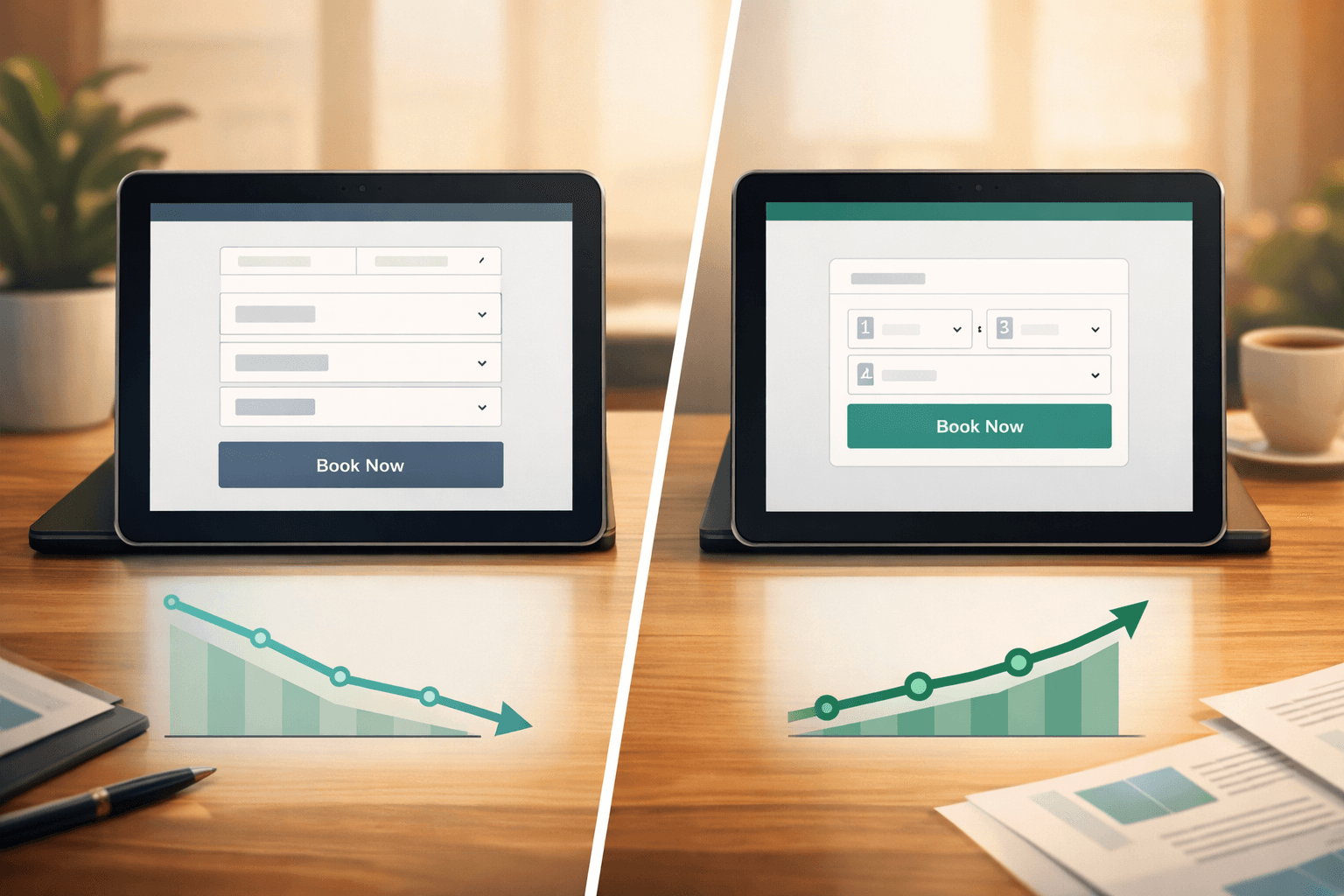
Your booking form is where most conversions die. Every additional field you require reduces completion rates by an average of 7%. Here's how to optimize:
Start with the minimum viable information. Only ask for what you absolutely need to book the appointment:
That's it. Everything else can wait until they arrive or be collected in a follow-up email.
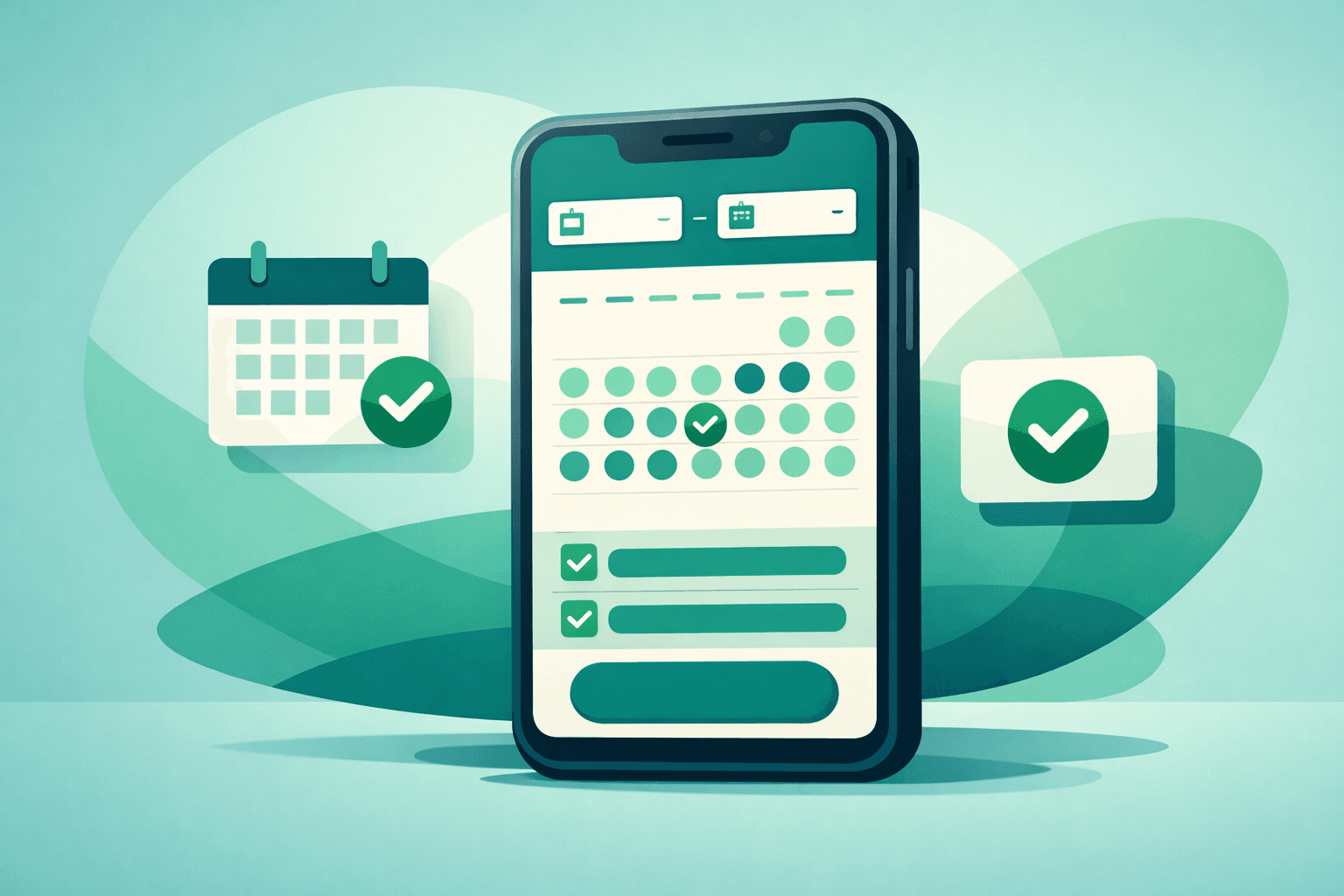
Use progressive disclosure. Instead of showing all available times at once, show available days first, then times for the selected day. This reduces cognitive load and feels less overwhelming.
Make service selection visual. Instead of dropdown menus, use cards or buttons with service names, brief descriptions, and pricing. People convert better when they can see what they're buying.
Enable guest booking. Requiring account creation before booking kills conversions. Let people book as guests, then offer account creation afterward.
Popular booking systems like Vagaro and Boulevard offer these features, but many businesses don't configure them optimally. Review your current setup and eliminate unnecessary friction.
Build Trust and Urgency
People hesitate to book with businesses they don't trust. Your booking page needs to overcome this hesitation quickly.
Display social proof prominently. Include recent reviews, star ratings, or client testimonials near your booking form. Even a simple "Join 500+ happy clients" can boost conversions.
Show real availability. Instead of generic "Book Now" buttons, display actual available slots. "3 spots left this week" creates urgency and proves you're busy (which signals quality).
Include contact information. Display your phone number prominently. Paradoxically, showing people they can call often makes them more likely to book online.
Add security badges. If you process payments online, include SSL certificates or payment security logos near form fields.
Use specific, benefit-focused headlines. Instead of "Book an Appointment," try "Get Your Best Hair Yet - Book Today" or "Relax and Rejuvenate - Reserve Your Spa Day."
Optimize for Mobile Booking
Over 60% of appointment bookings now happen on mobile devices. If your booking page doesn't work seamlessly on phones, you're losing most of your potential clients.
Test your mobile experience weekly. Use your own phone to complete a booking. Time how long it takes and note any frustrations.
Use large, finger-friendly buttons. Booking buttons should be at least 44 pixels tall and have plenty of spacing around them.
Minimize typing. Use dropdowns, date pickers, and time selectors instead of requiring manual text entry whenever possible.
Simplify payment. Offer mobile payment options like Apple Pay or Google Pay. Even better, allow booking without payment and collect payment in person.
Optimize loading speed. Mobile users abandon pages that take more than 3 seconds to load. Compress images and minimize plugins on your booking page.
Systems like Mindbody and Fresha offer mobile-optimized booking widgets, but customization matters. Work with your web developer to ensure smooth mobile experience.
Address Common Booking Objections
Every potential client has concerns before booking. Address these objections directly on your booking page:
"What if I need to cancel?" Display your cancellation policy clearly but positively. "Free cancellation up to 24 hours before your appointment" sounds better than listing penalties.
"Is this the right service for me?" Include brief service descriptions with expected duration and benefits. "60-minute deep tissue massage - perfect for chronic tension and stress relief."
"What will this cost?" Show pricing upfront. Hidden costs kill trust and conversions. If pricing varies, show starting prices: "Cuts starting at $45."
"Can I trust this business?" Include your business license number, years in operation, or professional certifications near the booking form.
"What if something goes wrong?" Provide clear contact information and mention your customer service commitment.
Reduce Booking Abandonment
People often start booking but don't finish. Combat abandonment with these strategies:
Save progress automatically. If someone selects a service and time but doesn't complete contact information, save their progress. Some booking systems can send reminder emails to complete the booking.
Offer alternative booking methods. Include text like "Prefer to call? We're available at [phone number] during business hours."
Use exit-intent popups. When someone tries to leave your booking page, offer a discount or remind them of their selected appointment time.
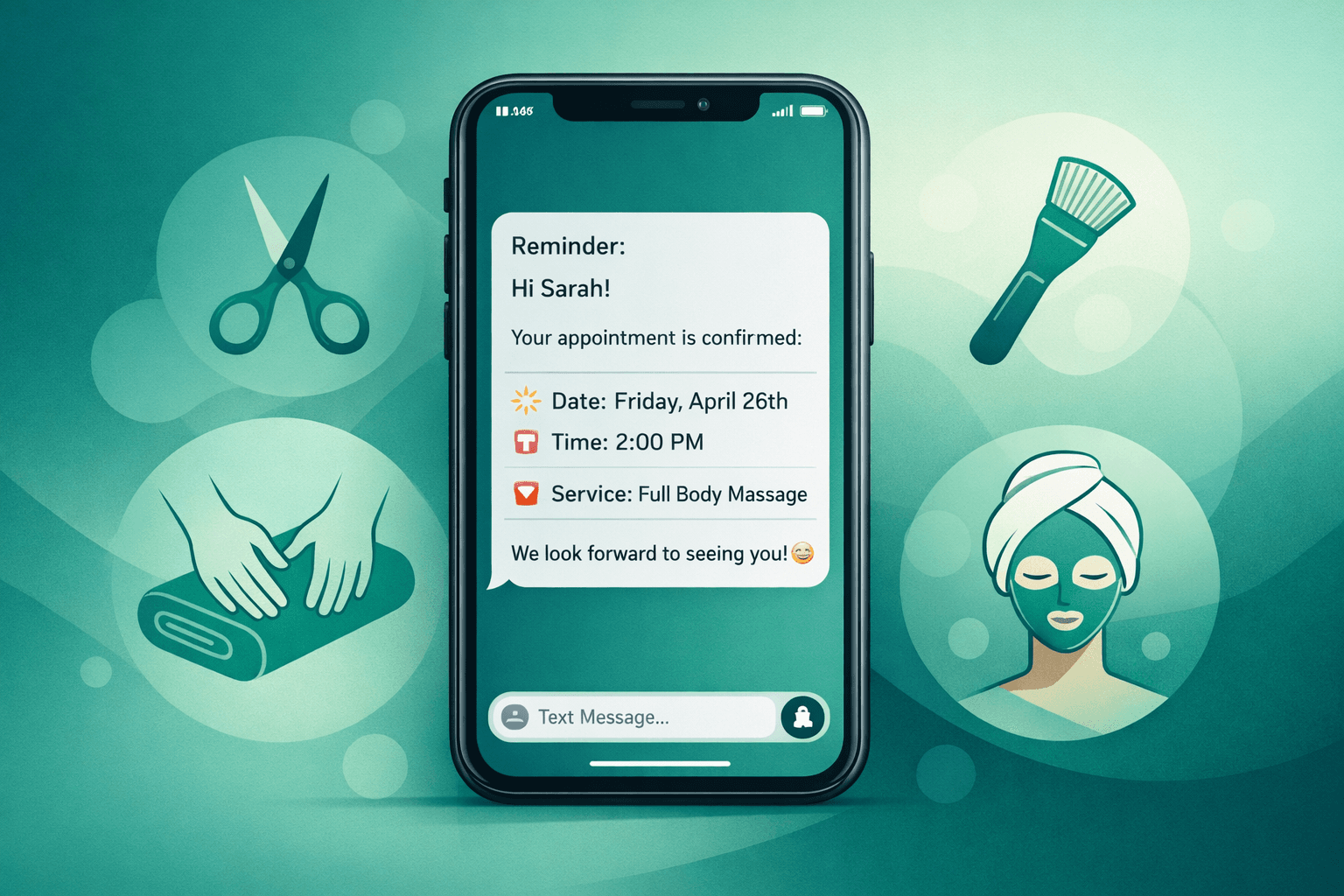
Send booking reminders. If someone abandons a booking, send a follow-up email within 24 hours with a direct link to complete their appointment.
Implement voice AI backup. Tools like Shamrok can capture missed opportunities by answering calls from people who prefer to book by phone rather than online forms.
Test and Measure Your Results
Booking page optimization isn't a one-time task. Markets change, customers evolve, and new best practices emerge.
Track these key metrics:
Run simple A/B tests:
Monitor competitor booking experiences. Book appointments with similar businesses in your area (then cancel). Note what works well and what frustrates you as a customer.
Most booking platforms provide basic analytics, but Google Analytics offers deeper insights into user behavior and conversion paths.
Conclusion
Improving booking page conversion doesn't require a complete website overhaul. Small, strategic changes compound into significant results.
Start with the basics: streamline your form, optimize for mobile, and add trust signals. Then test systematically and measure results. Even a 1% improvement in conversion rate can translate to dozens of additional bookings per month.
Remember, your booking page is often a potential client's first real interaction with your business. Make it count.
FAQ
Q: What's a good conversion rate for booking pages?
A: Industry averages range from 2-5%, but well-optimized booking pages can achieve 8-12% or higher. Focus on improving your current rate rather than hitting a specific benchmark.
Q: Should I require payment when booking online?
A: It depends on your no-show rate. Requiring payment reduces no-shows but can lower conversion rates. Consider requiring small deposits ($10-25) rather than full payment.
Q: How often should I update my booking page?
A: Review quarterly for major changes, but test small improvements monthly. Customer behavior and expectations evolve constantly.
Q: Can I improve conversion rates without changing my booking system?
A: Yes. Most improvements involve page design, copywriting, and user experience rather than booking system functionality. Work within your current platform's capabilities first.