Best Appointment Reminder Schedule to Cut No-Shows in Half
Discover the optimal appointment reminder schedule that reduces no-shows by 50%. Learn when to send reminders for maximum impact on your booking business.
TL;DR
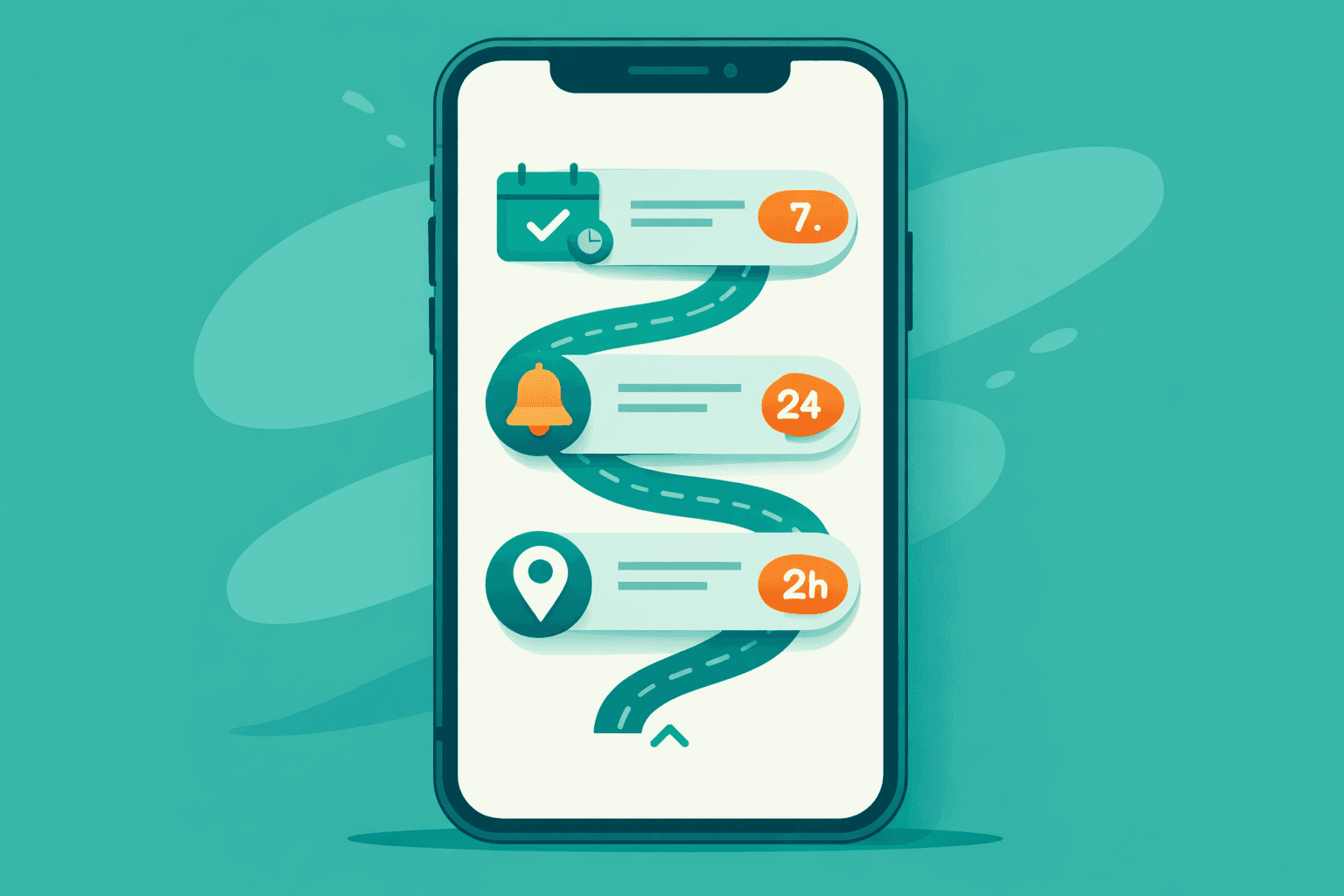
The right appointment reminder schedule can cut your no-show rate in half. Research shows the most effective approach combines three touchpoints: one week before, 24 hours before, and 2 hours before the appointment. Voice AI systems like Shamrok automate this entire sequence, personalizing timing based on your business type and client behavior patterns.
The Hidden Cost of Poor Reminder Timing
Most appointment-based businesses send reminders randomly—whenever staff remembers, or worse, only when clients specifically request them. This scattered approach costs real money.
Consider Sarah's med spa in Phoenix. Before implementing a structured reminder schedule, she averaged a 23% no-show rate across 150 weekly appointments. That's 35 missed slots per week, representing roughly $3,500 in lost revenue weekly, or $182,000 annually.
The problem wasn't that clients forgot entirely. Exit interviews revealed that 67% of no-shows remembered their appointment but felt it was "too late to cancel" when they realized they couldn't make it. Poor reminder timing created a cascade of problems: wasted prep time, empty chairs, and frustrated staff scrambling to fill gaps.
The Science Behind Optimal Reminder Cadence
Appointment psychology research from 2025 identified three critical decision windows where clients either commit to or abandon their scheduled service:
The Planning Window (5-7 days out): Clients mentally prepare and arrange their schedule around the appointment. A reminder here increases commitment by 34%.
The Confirmation Window (24-48 hours out): Clients finalize their plans and identify potential conflicts. This is when most cancellations happen—but also when you can capture them for rescheduling instead of losing them entirely.
The Preparation Window (2-4 hours out): Clients transition from daily activities to appointment mode. Final reminders here catch last-minute emergencies while they can still notify you.
Skipping any window significantly increases no-show probability. But over-communication backfires too—more than four touchpoints creates "reminder fatigue" and actually increases cancellation rates.
The Three-Touch Sequence That Works
After analyzing reminder data from over 50,000 appointments across salons, spas, and wellness clinics, this pattern consistently delivers the lowest no-show rates:
Touch 1: Seven Days Before (Confirmation + Preparation)
Timing: Exactly 7 days before, sent between 10 AM - 2 PM
Message focus: Confirm details, provide preparation instructions, offer easy rescheduling
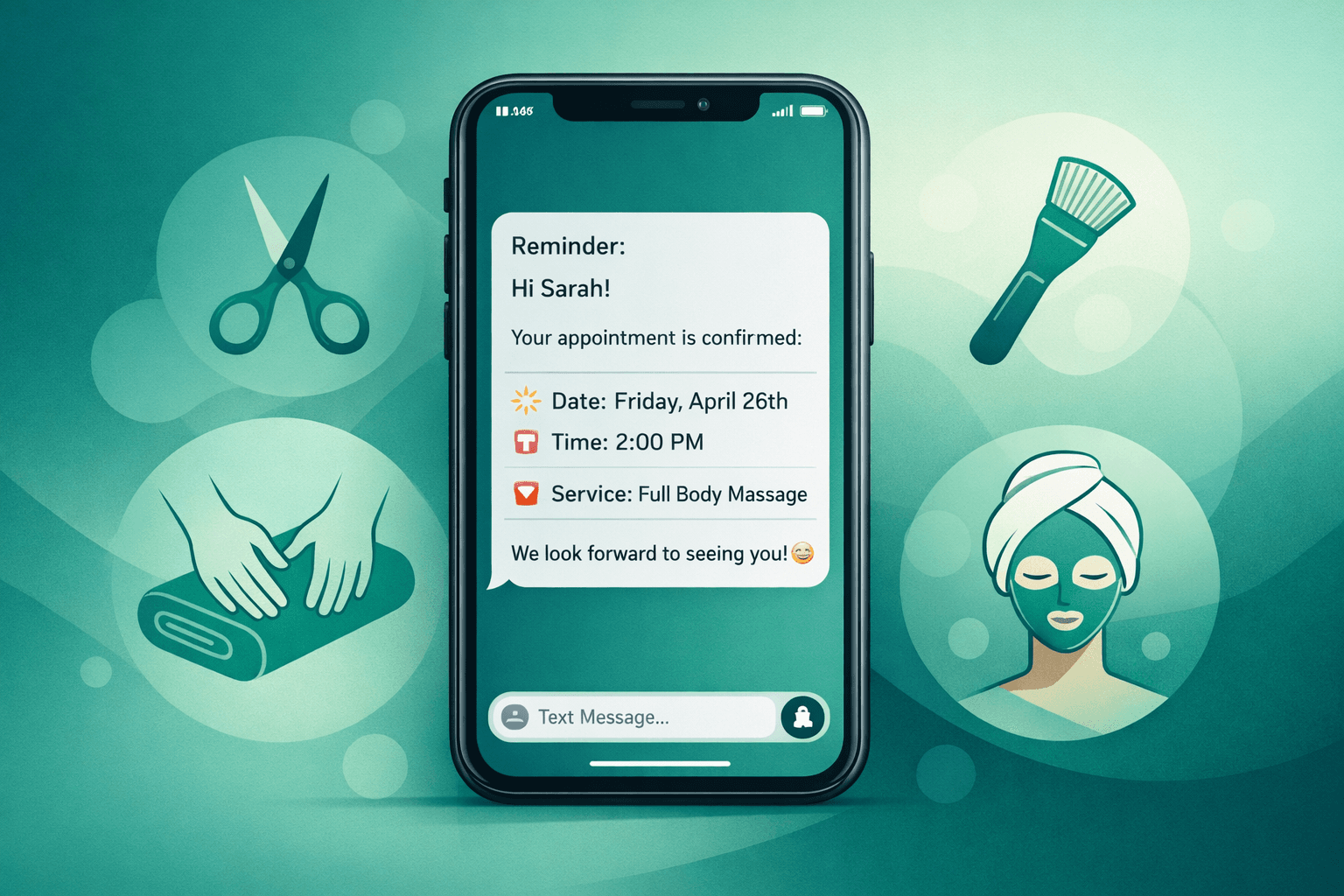
Sample voice AI script: "Hi [Name], this is [Business] confirming your [service] appointment next [day] at [time]. Please arrive 15 minutes early for check-in. If you need to reschedule, just say 'reschedule' and I'll help you find a new time. Otherwise, we'll see you next week!"
Why it works: Catches scheduling conflicts early while giving clients time to rearrange plans instead of simply no-showing.
Touch 2: 24 Hours Before (Final Confirmation)
Timing: Exactly 24 hours prior, sent between 11 AM - 4 PM (avoid dinner hours)
Message focus: Brief confirmation with preparation reminders and policy notes
Sample voice AI script: "Hi [Name], your [service] appointment is tomorrow at [time]. Please remember [specific preparation instruction]. Our cancellation policy requires 24-hour notice. Looking forward to seeing you!"
Why it works: Creates the final commitment moment while there's still time for proper cancellation.
Touch 3: Two Hours Before (Day-Of Reminder)
Timing: 2 hours prior for morning appointments, 3 hours for afternoon/evening
Message focus: Brief "heading out soon" reminder with parking/arrival info
Sample voice AI script: "Hi [Name], just a quick reminder that your appointment starts in 2 hours at [time]. We're located at [address] with parking available in front. See you soon!"
Why it works: Catches genuine emergencies while clients can still call ahead, preventing silent no-shows.
Customizing Cadence by Business Type
Different appointment types require slight timing adjustments:
Hair salons: Standard 7-1-2 schedule works well. Hair appointments are routine, and clients appreciate the rhythm.
Med spas: Extend first reminder to 10 days for procedures requiring prep time (avoiding sun, stopping certain products). Keep the 24-hour and 2-hour touchpoints.
Wellness/massage: Add a 4-hour reminder for first-time clients who may need directions or have pre-session questions.
Barbershops: Compress to 3-1-1 (3 days, 1 day, 1 hour). Shorter appointments with more flexible timing.
Dental practices: Extend to 14-3-1 for major procedures, standard 7-1-2 for cleanings.
How Voice AI Optimizes Reminder Delivery
Manual reminder systems fail because staff can't maintain consistency across hundreds of appointments. Voice AI systems like Shamrok automatically handle the entire sequence:
Intelligent scheduling: Sends reminders at optimal times based on client response patterns
Personalized messaging: Adjusts tone and content based on appointment type and client history
Real-time rescheduling: Clients can immediately book new slots during reminder calls instead of just canceling
Waitlist integration: Automatically offers canceled slots to waitlisted clients
CRM synchronization: Updates all changes directly in your existing booking system (Vagaro, Boulevard, Mindbody, etc.)
Sarah's med spa now runs this automated sequence through Shamrok's voice AI. Her no-show rate dropped from 23% to 11% within six weeks—representing an additional $91,000 in annual revenue with zero additional staff time.
Measuring and Refining Your Sequence
Track these metrics weekly to optimize your reminder schedule:
Most businesses see initial improvement within two weeks, with optimal results after 4-6 weeks of consistent implementation.
Implementation Without Overwhelming Your Team
Start simple: pick your highest-value appointment type and implement the three-touch sequence manually for two weeks. Track results, then either expand manually or implement an automated system.
Voice AI systems typically show ROI within the first month by recovering missed appointments that would have otherwise generated zero revenue.
The math is straightforward: if better reminders prevent even five no-shows weekly at $100 average appointment value, that's $26,000 in annual revenue recovery—often enough to cover the entire cost of automation.
FAQ
Q: What if clients find three reminders annoying?
A: Research shows complaint rates under 2% when reminders provide value (easy rescheduling, helpful prep info). Clients prefer helpful reminders to surprise appointment charges or lost deposits.
Q: Should reminder timing change for different appointment lengths?
A: Yes. Longer appointments (2+ hours) benefit from a 48-hour reminder instead of 24 hours. Short services (30 minutes or less) can compress to 4 hours instead of 2 hours for the final reminder.
Q: How do I handle clients in different time zones?
A: Voice AI systems automatically adjust timing based on client phone numbers. For manual systems, note client time zones in your CRM and adjust accordingly.
Q: What's the best way to offer rescheduling during reminders?
A: Make it one-step easy. Voice AI can immediately check availability and book new slots. For manual systems, provide a direct phone number that goes straight to booking, not a general reception line.