After Hours Booking: How Small Businesses Capture Revenue
Learn how after hours booking systems help small businesses capture missed revenue from evening and weekend inquiries. Setup tips and ROI strategies included.
TL;DR
After-hours inquiries represent 40-60% of missed revenue for appointment-based businesses. Setting up proper after-hours booking systems can recover $2,000-$8,000 monthly for a typical salon or spa. This guide covers the operational setup, technology choices, and revenue calculations that make after-hours booking profitable.
Your phone rings at 7 PM on a Tuesday. A potential client wants to book a facial for this weekend. By the time you see the voicemail Thursday morning, they've already booked elsewhere.
This scenario plays out thousands of times daily across service businesses. While you're focused on delivering excellent service during business hours, revenue walks out the door through unanswered after-hours calls.
The math is straightforward: businesses that capture after-hours inquiries see 15-25% revenue increases without adding staff hours. Here's how to set up systems that work while you sleep.
Why After-Hours Booking Matters More Than You Think
Service businesses lose significant revenue to timing mismatches. Clients often think about booking appointments during their downtime—evenings, weekends, lunch breaks—when most businesses are closed or too busy to answer.
Consider these patterns:
Traditional voicemail systems fail here because they create friction. A client ready to book faces a dead-end: leave a message and wait, or call competitors who might answer.
Businesses with effective after-hours booking report:
Setting Up Your After-Hours Booking System
Online Booking Integration
Your booking system should connect seamlessly with your existing CRM. Popular platforms like Vagaro, Boulevard, and Mindbody offer online booking widgets that work 24/7.
Setup priorities:
Phone-Based Solutions
Not every client wants to book online. Voice AI systems can handle phone inquiries after hours, checking availability and booking appointments directly into your CRM.
Key features to evaluate:
Weekend and Holiday Coverage
Extended hours don't require extended staff. Automated systems can:
Maximizing Revenue from After-Hours Inquiries
Pricing Strategy
After-hours bookings often convert at higher service levels. Clients booking outside business hours typically:
Consider offering:
Follow-Up Automation
After-hours bookings need different follow-up timing:
Handling Complex Requests
Some inquiries need human attention. Set up escalation paths:
ROI Calculation and Expectations
Revenue Recovery Estimates
A typical salon seeing 50 missed calls weekly might recover:
Med spas and higher-end services see larger numbers:
Implementation Costs
Basic online booking: $30-80/month
Advanced voice AI systems: $200-500/month
Setup and integration: $500-2,000 one-time
Most businesses see positive ROI within 60-90 days.
Success Metrics to Track
Common Implementation Mistakes
Overcomplicating the Process
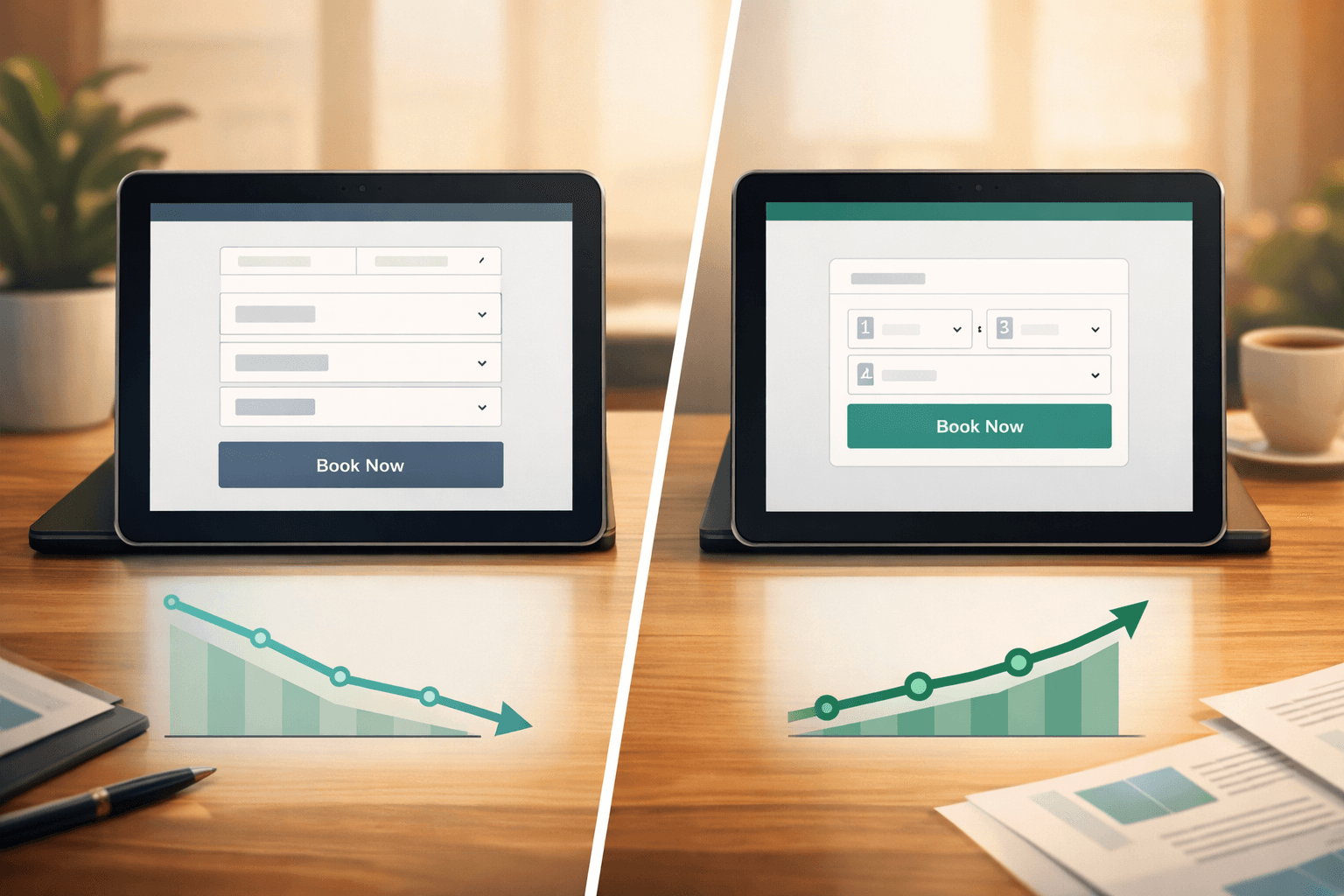
Simple booking flows convert better. Avoid:
Neglecting Mobile Experience
60% of after-hours booking attempts happen on mobile devices. Ensure:
Inconsistent Availability
Nothing frustrates clients like booking systems showing unavailable times. Maintain:
Technology Integration Best Practices
Your after-hours system should feel like a natural extension of your business, not a separate tool bolted on.
CRM Integration Checklist:
Communication Flow:
Some businesses use platforms like Shamrok to handle the entire after-hours experience through voice AI, maintaining the personal touch clients expect while automating the booking process.
Getting Started This Week
Day 1-2: Audit your current missed call volume
Day 3-4: Research integration options
Day 5-7: Implement basic improvements
After-hours booking isn't just about convenience—it's about capturing revenue that already wants to find you. The clients are calling. The question is whether you're ready to answer, even when you're not there.
FAQ
What percentage of bookings should come from after-hours inquiries?
Healthy service businesses typically see 20-30% of bookings originating outside business hours. This includes online bookings made evenings and weekends, plus calls converted from after-hours systems.
How quickly should after-hours bookings be confirmed?
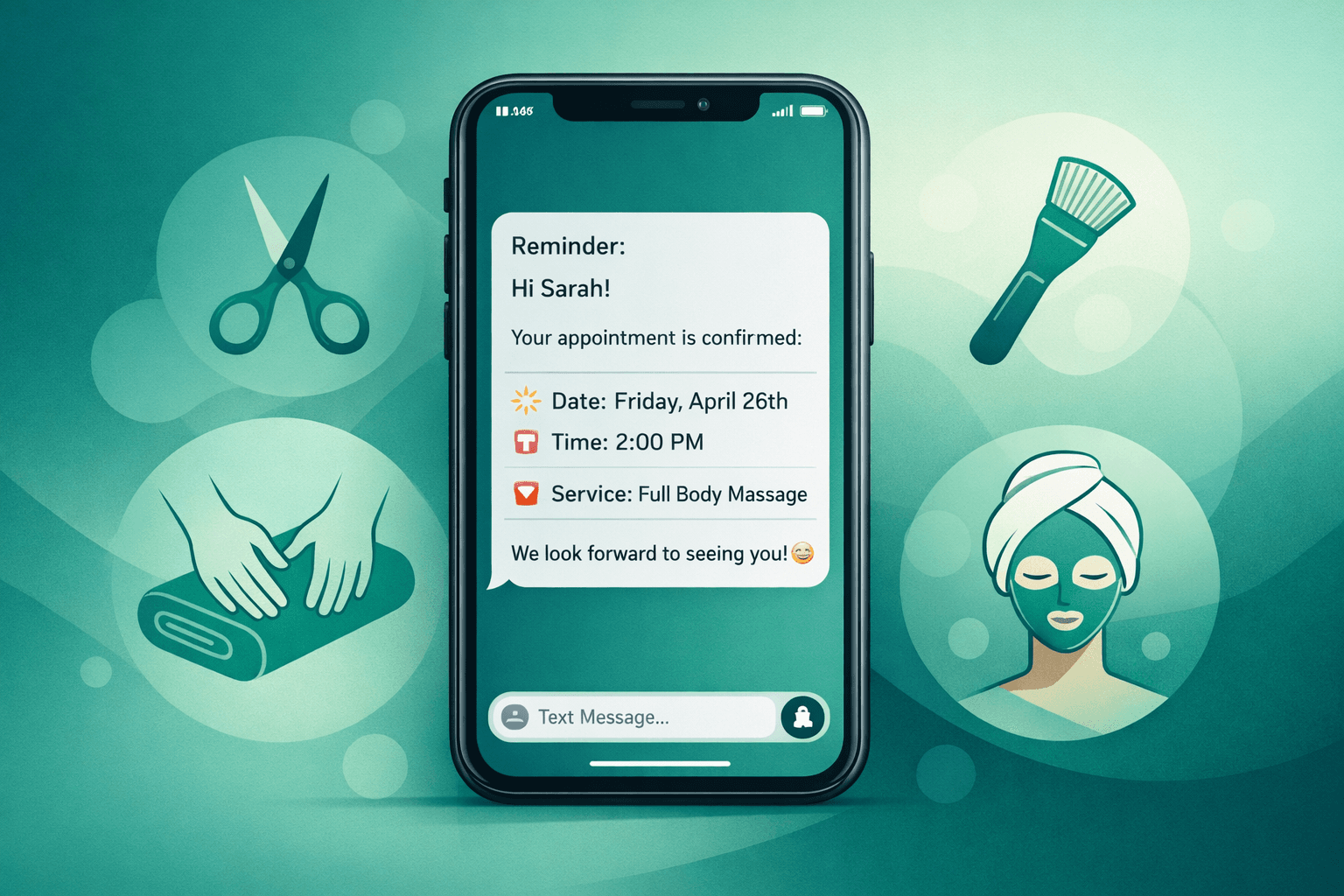
Immediate automated confirmation (within 5 minutes) significantly improves client confidence. Follow up with personal contact within one business day for complex services or first-time clients.
Do after-hours bookings have higher no-show rates?
Actually, the opposite. After-hours bookings often have 10-15% lower no-show rates because clients put more thought into advance planning and are more committed to appointments they actively sought out.
What's the best way to handle pricing questions after hours?
Provide clear, upfront pricing in your booking system and automated responses. For complex services, collect contact information and commit to detailed pricing discussions during business hours.