Booking Form Fields: What to Ask (And What to Skip)
Learn which booking form fields boost conversions and which kill bookings. Get the optimal field strategy for salon, spa, and service business forms.
Booking Form Fields: What to Ask (And What to Skip)
TL;DR: Too many form fields kill bookings. The sweet spot is 3-5 essential fields that capture what you need without overwhelming clients. Skip the "nice-to-haves" and ask follow-up questions later.
Your booking form is where prospects become paying clients — or where they abandon ship entirely. One extra field can be the difference between a booked appointment and a lost customer scrolling to your competitor.
After analyzing thousands of booking forms across salons, spas, and wellness clinics, the pattern is clear: businesses asking for too much upfront see 40-60% higher abandonment rates. But strip it down too far, and you're scrambling for basic info when clients arrive.
The solution isn't guesswork. It's knowing exactly which fields drive conversions and which ones sabotage them.
The Essential Fields (Keep These)
Name and Phone Number
Non-negotiable. You need a way to reach clients for confirmations, reminders, and last-minute changes. First and last name plus a mobile number covers 90% of communication needs.
Pro tip: Use a single "Full Name" field instead of separate first/last fields. It's one less decision point and works for clients with complex names.
Service Selection
Clients need to tell you what they want. But make this smart. Instead of a dropdown with 47 options, group services by category:
Let them pick the category first, then show specific services. This reduces cognitive load and prevents the dreaded "scroll of death."
Preferred Date and Time
Obvious, but implement it right. Show real availability, not a calendar where half the slots are unavailable. Nothing kills momentum like picking a time only to learn it's booked.
Modern booking systems like Vagaro and Boulevard handle this automatically, but double-check your setup shows accurate availability.
Email Address
You need this for booking confirmations and follow-up communications. But here's the key: make it optional during the initial booking flow. You can collect it on the confirmation page after they've committed.
The Fields That Kill Conversions (Skip These)
Detailed Service History
"Tell us about your previous treatments..." — nope. This is a 200-word essay question disguised as a form field. Ask during the consultation instead.
Complete Medical History
Essential for some services, but not for the booking form. Handle this through intake forms sent after booking or collected during check-in.
Marketing Preferences
Do you want SMS reminders? Email newsletters? Special offers? All valid questions that belong on a post-booking preferences page, not the initial form.
Detailed Availability
"List all days and times you're available for the next month." This turns booking into homework. Keep it simple: preferred date/time plus maybe "flexible with timing" checkbox.
Payment Information
Unless you require deposits, don't ask for payment details upfront. It triggers abandonment even when people intend to pay.
The Smart Middle Ground: Progressive Collection
The best booking systems collect information in stages:
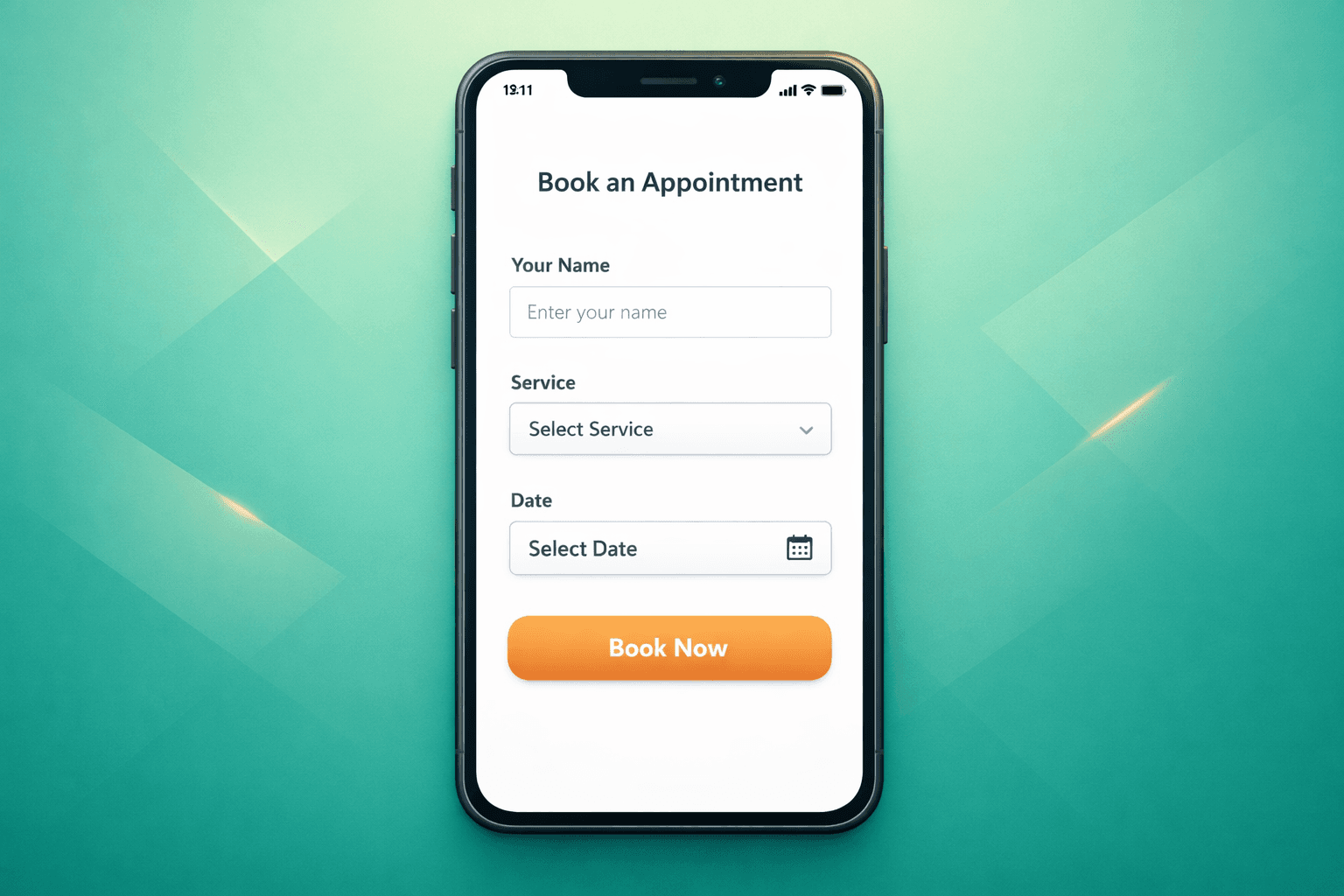
Stage 1 (Booking Form): Name, phone, service, date/time preference
Stage 2 (Confirmation): Email, special requests, preferences
Stage 3 (Pre-visit): Intake forms, medical history, detailed preferences
This approach captures bookings first, then gathers everything else when clients are already committed.
Platform-Specific Best Practices
Mindbody Users
Turn off optional fields in your booking widget settings. The default configuration asks for way too much. Stick to the essentials and use their automated follow-up features for additional info.
Vagaro Optimization
Use their "Quick Book" option instead of the full form. It captures just enough to secure the appointment, then prompts for additional details via text message.
Boulevard Setup
Customize your intake forms to trigger after booking confirmation, not during the booking process. Their pre-visit questionnaires work better than cramming everything upfront.
Testing Your Form Length
Run this simple test: time yourself filling out your own booking form on mobile. If it takes more than 60 seconds, you're asking for too much.
Better yet, watch someone else try to book an appointment. You'll spot friction points immediately — hesitation over required fields, scrolling confusion, form abandonment.
The Voice AI Alternative
Some businesses are sidestepping form friction entirely. Voice AI systems like those offered by Shamrok can capture bookings over the phone, asking follow-up questions naturally during the conversation rather than through web forms.
This works especially well for businesses with older clientele who prefer calling over online booking, or complex services that benefit from a consultation conversation.
Mobile-First Form Design
67% of service bookings now happen on mobile devices. Your form needs to work perfectly on a small screen:
Quick Wins for Immediate Improvement
The goal is removing every possible barrier between "I want to book" and "appointment confirmed." Your booking form should feel inevitable, not interrogative.
FAQ
What's the ideal number of form fields for service businesses?
3-5 required fields is the sweet spot. Name, phone, service type, and preferred appointment time cover the essentials. Email can be optional or collected post-booking.
Should I require payment information during booking?
Only if you require deposits. For most service businesses, payment at the time of service works better and reduces form abandonment significantly.
How do I collect intake information without overwhelming the booking form?
Use progressive collection: capture the booking first, then send intake forms via email or text 24-48 hours before the appointment. Most clients will complete them when they're already committed.
What's the biggest booking form mistake service businesses make?
Asking for detailed service history or medical information upfront. This information is valuable but belongs in a consultation or intake process, not the initial booking form.